
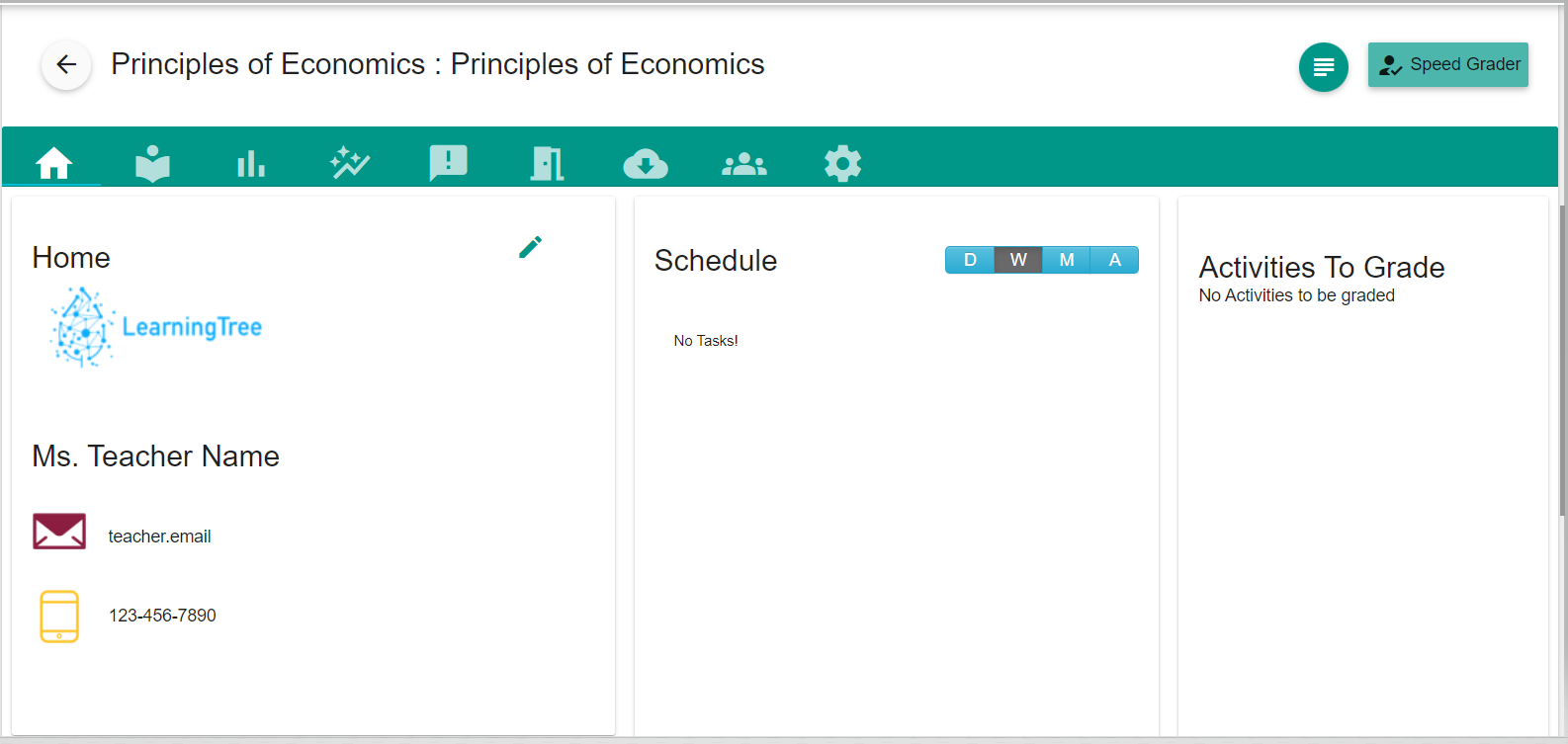
- Select the course you may want to monitor the student's progress.
- Select the "Members" tab from all the lists of tabs.
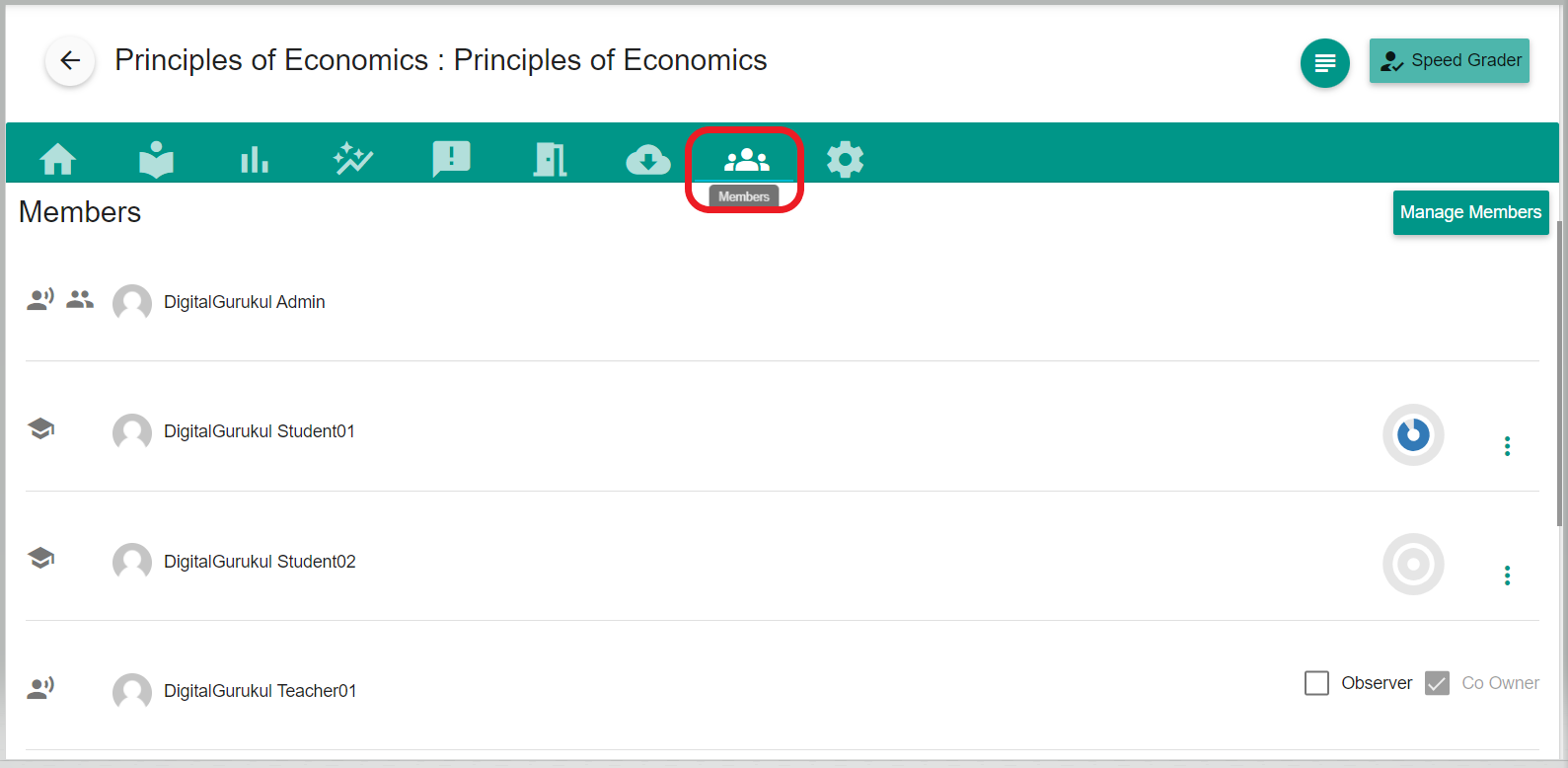
- Click the three dots (Action button) beside the student name.
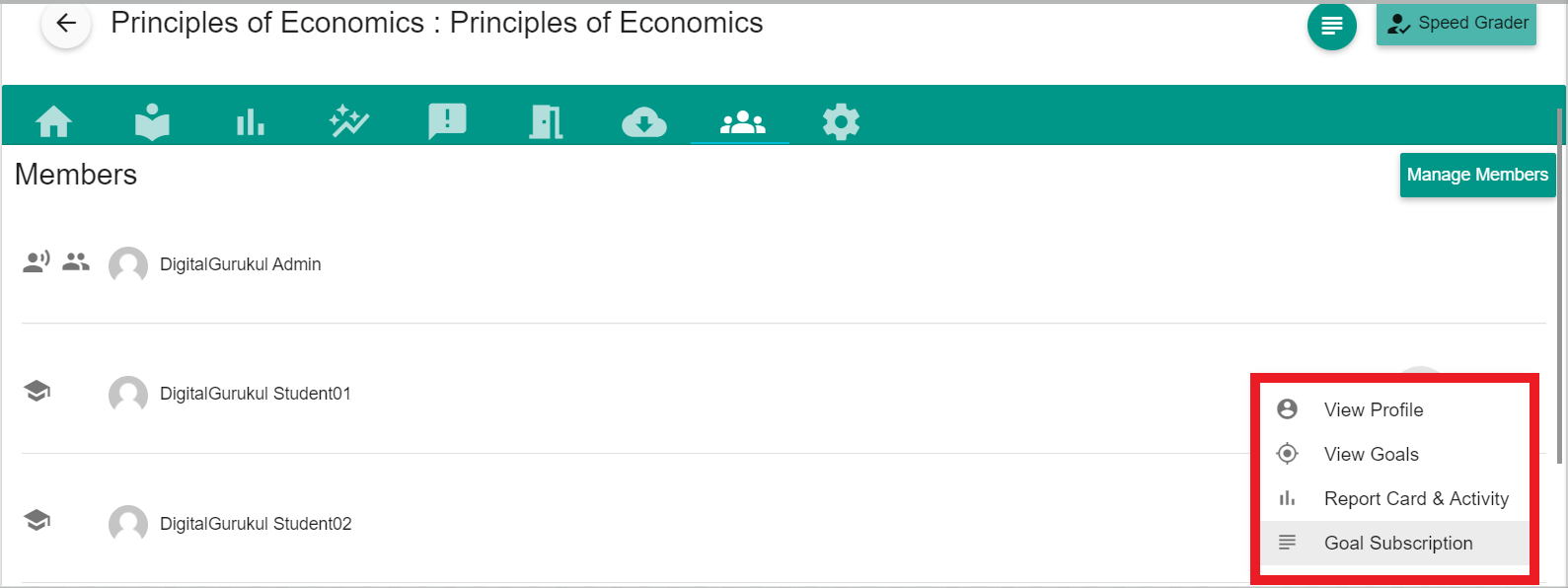
- This dropdown will show the list where you can view the student Profile, Goals created by the student, Report card, and Activity.
Comments
0 comments
Please sign in to leave a comment.