
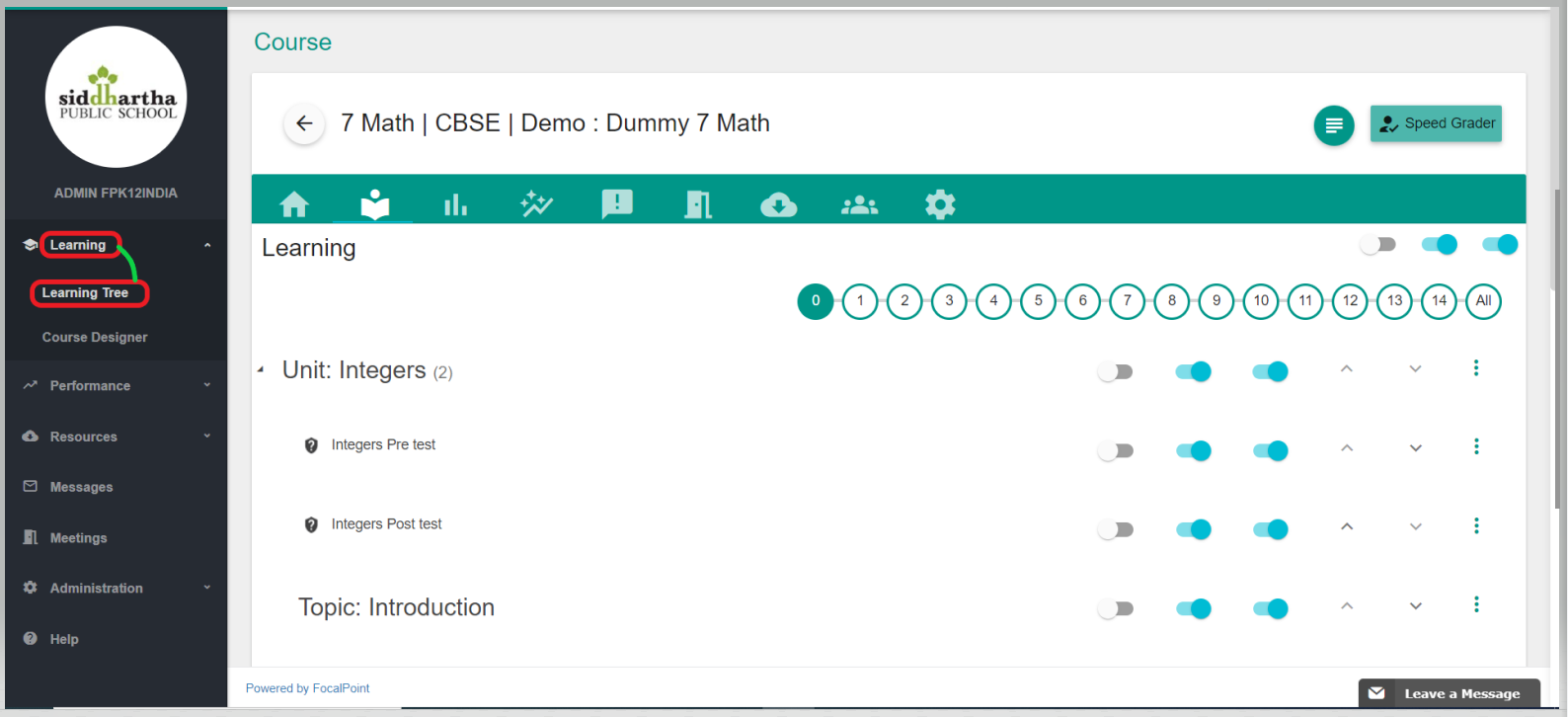
- Click on the Menu tab located in the top left corner of the page next to your school district/organization's logo to access learning tools that can be used to support learning & teaching.
-
Select the following learning tool tabs to support online/blended learning.
-
Course Designer - This helps the users to design a course at the District level.
-
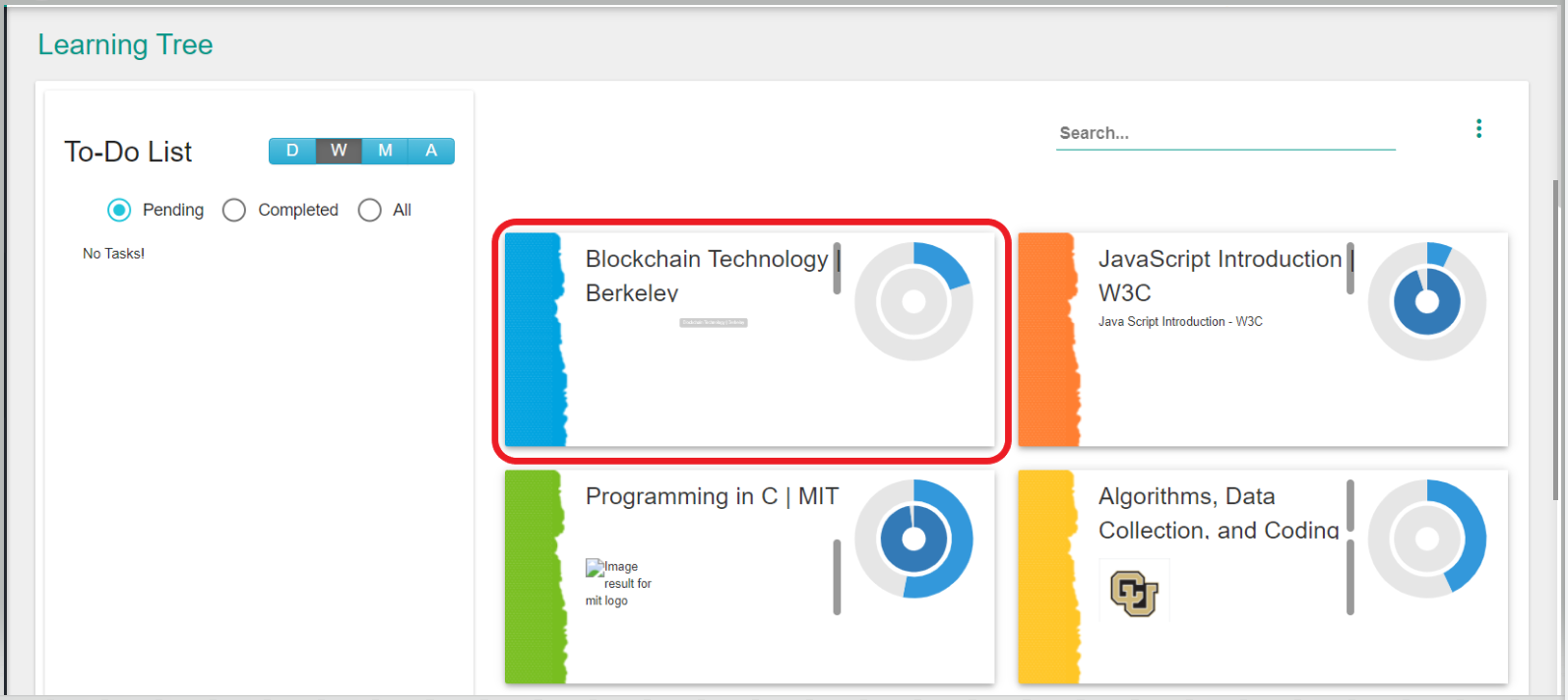
Virtual Course - Teachers and students will gain access to the online courses created at the district level or they would be able to set up their own individual courses.
-
-
Each tile is a course and the student can select and take any course from the list of assigned courses.
- Each course has all the tabs as shown in the figure below.
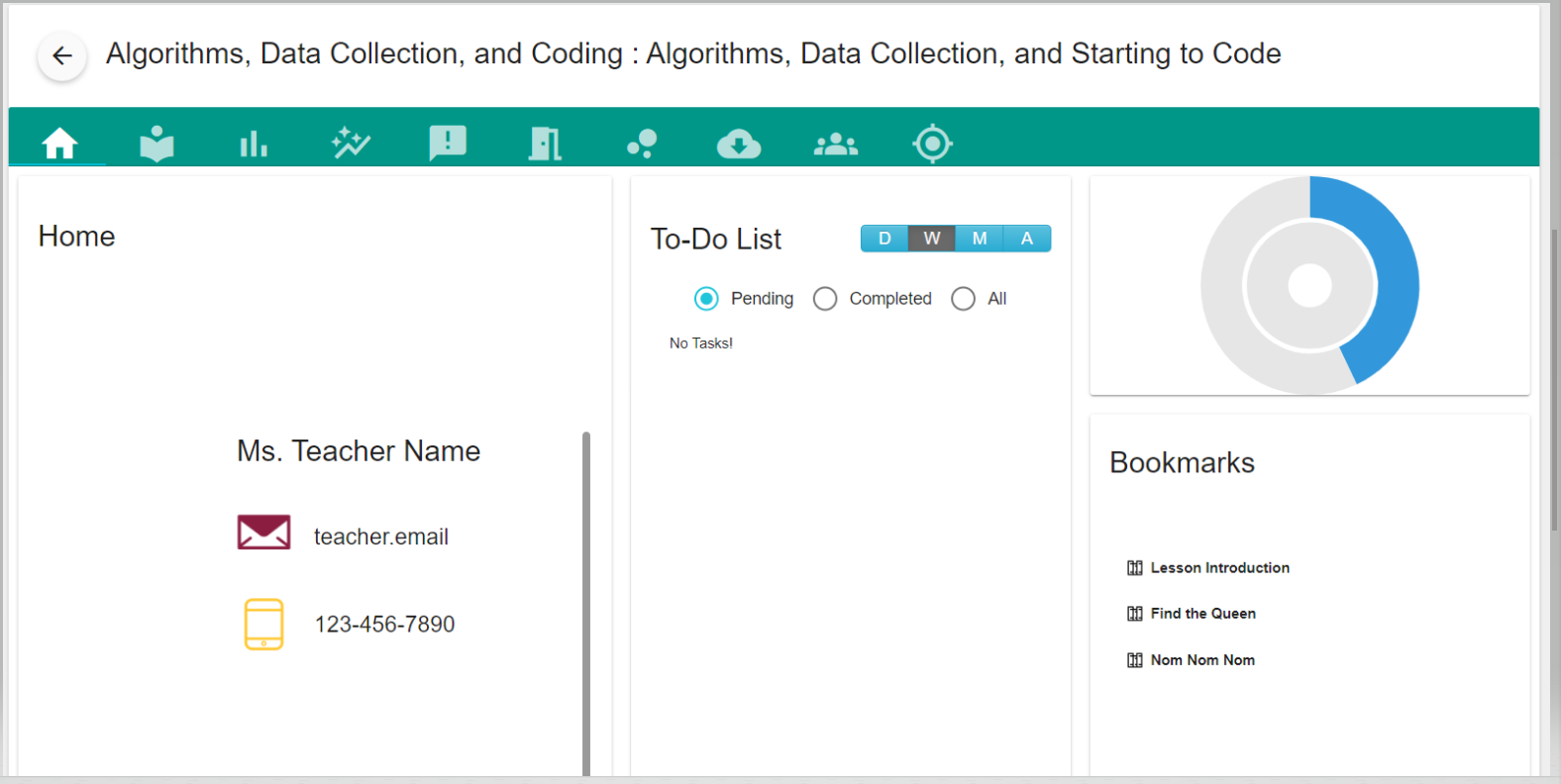
- Initial Screen - The initial screen will show the Teacher's Name, Email, and Contact number for the students.
- Bookmarks - This part of the screen shows the list of bookmarks that the student marks to refer to later.
- Announcements - This part of the screen shows the students any Announcements that the teacher makes regarding this particular course.
Comments
0 comments
Please sign in to leave a comment.