
- Select the required course to add the course image and make changes to the course title.
- Under the Home tab, on the left side of the page, there would be a pencil-like icon that will allow adding the course image, change phone, and email address.
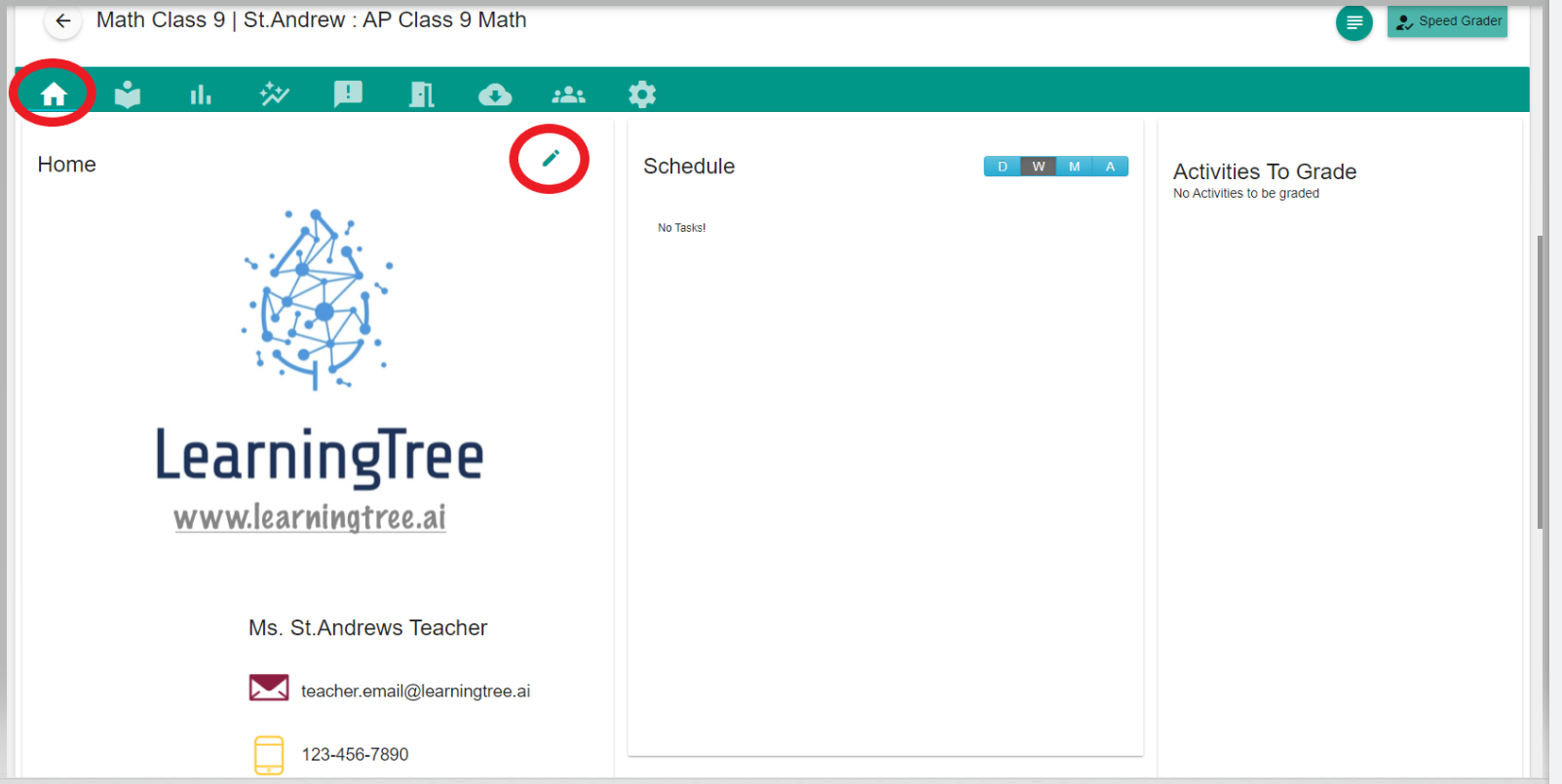
- Once the required changes are made, they can be saved to be reflected on the home screen.
Comments
0 comments
Please sign in to leave a comment.