
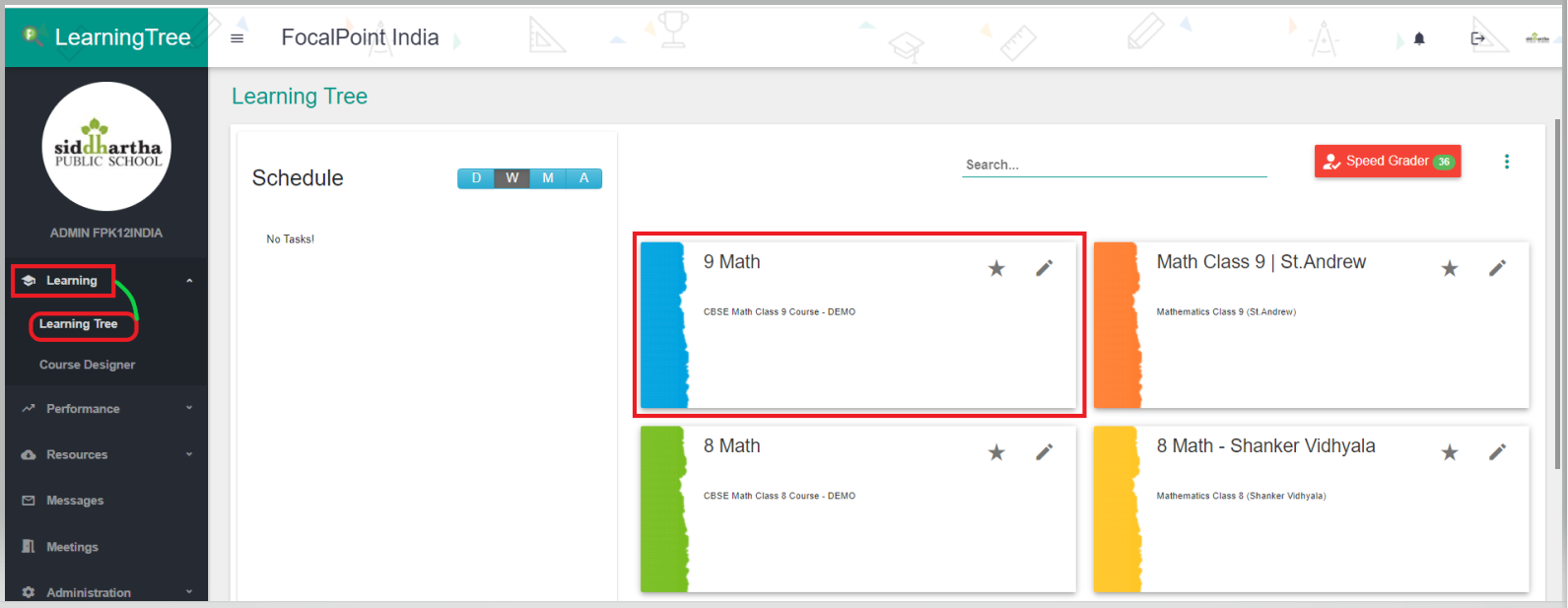
- Access any of your courses by clicking on the course title. This will take you directly into the course.
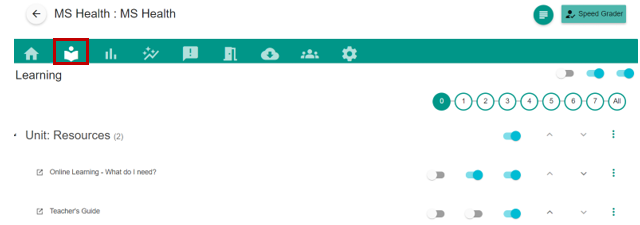
- Once the teacher selects the course, they will see the course landing page. The teacher can select the Learning Tab (book icon) to access the course content.
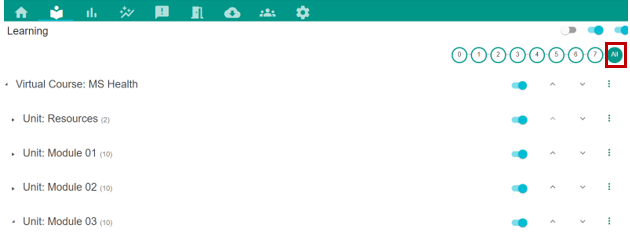
- Within each course, there will be units and activities. By clicking the 'All' on the right side of the number bar, the teacher will see all units.
- To view activities within a unit, click on the arrow next to the unit title.
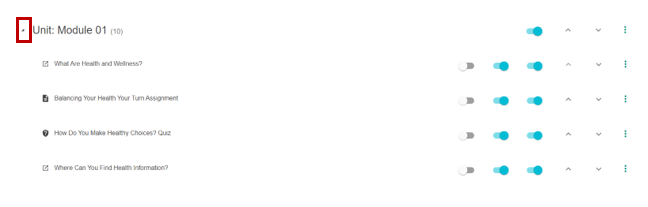
- View content by clicking the activity title.

Comments
0 comments
Please sign in to leave a comment.