
- Select the course that you want to post the announcements to.
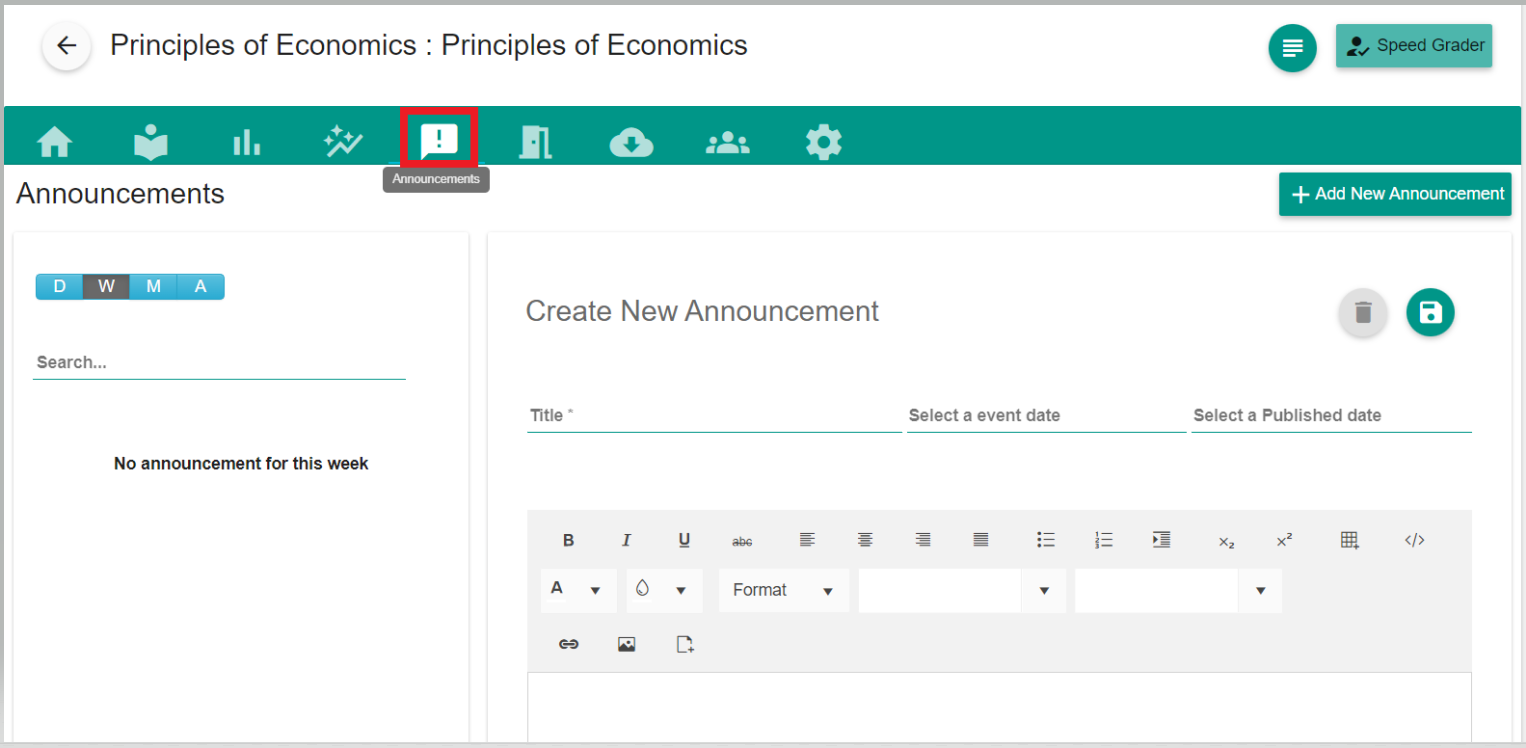
- Select the 'Announcements' tab inside the course homepage.
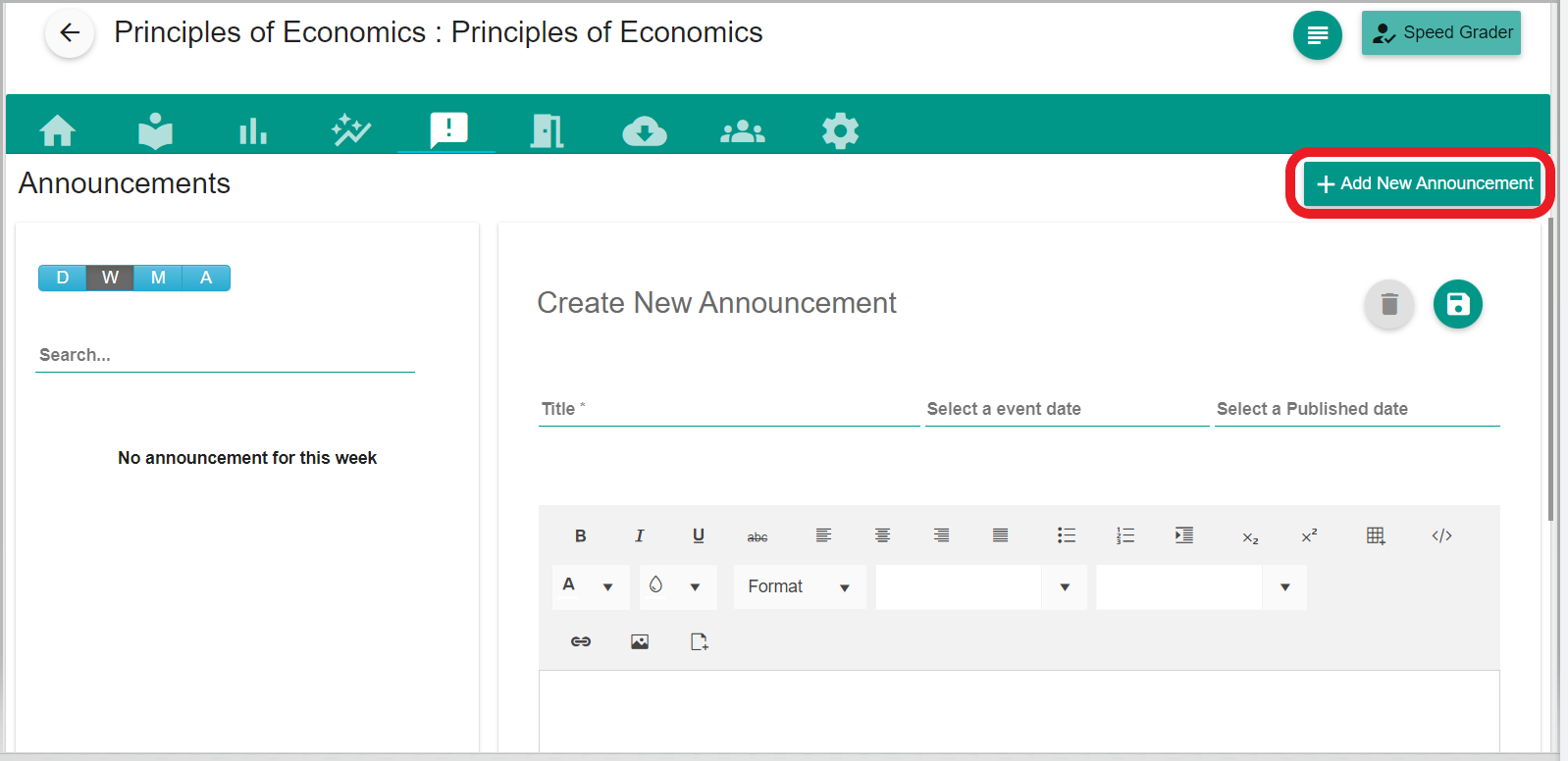
- Then click the "+(Add New Announcement)" tab to create a new announcement.
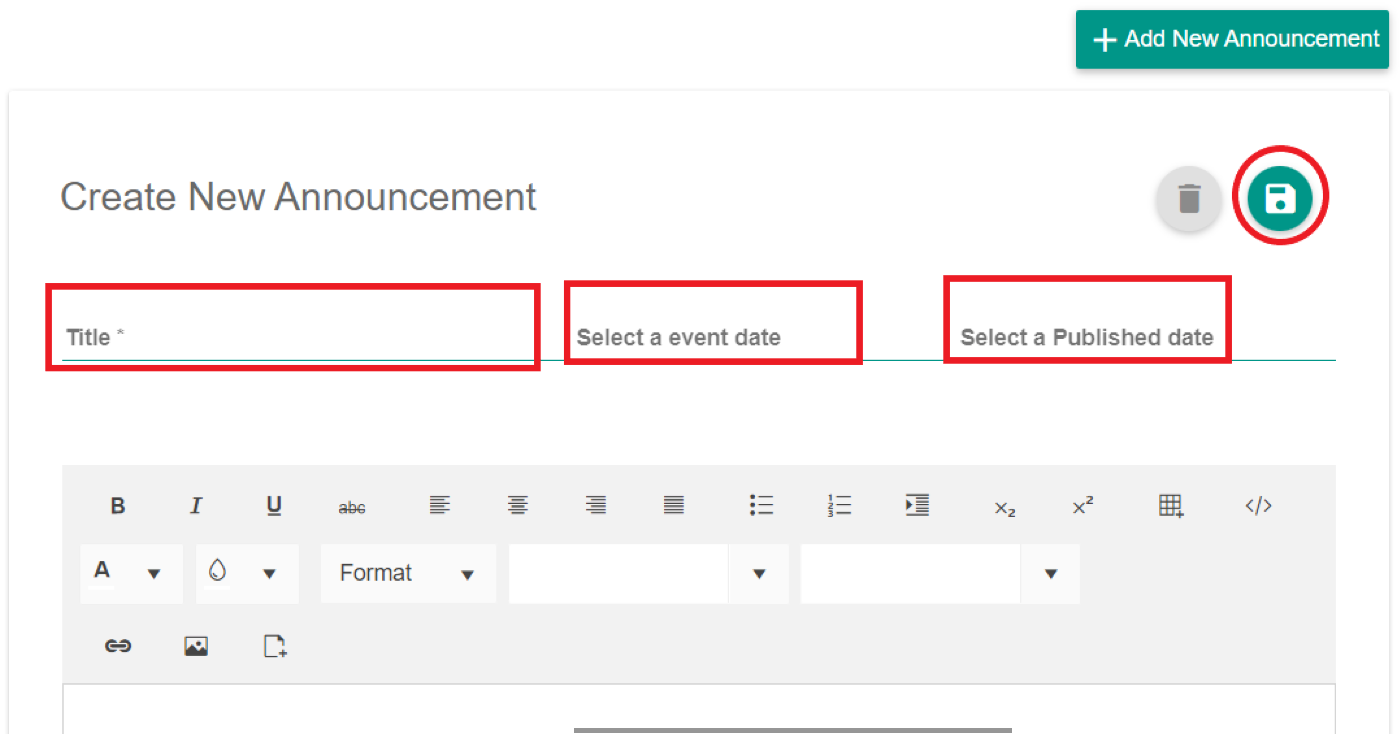
- Provide the "Title", "Event and Publish Date" and give Description and hit save(disc-like icon) to save the announcement.
- All the members of this course can see the announcement on that date.
- Members can click the Announcement to view it.

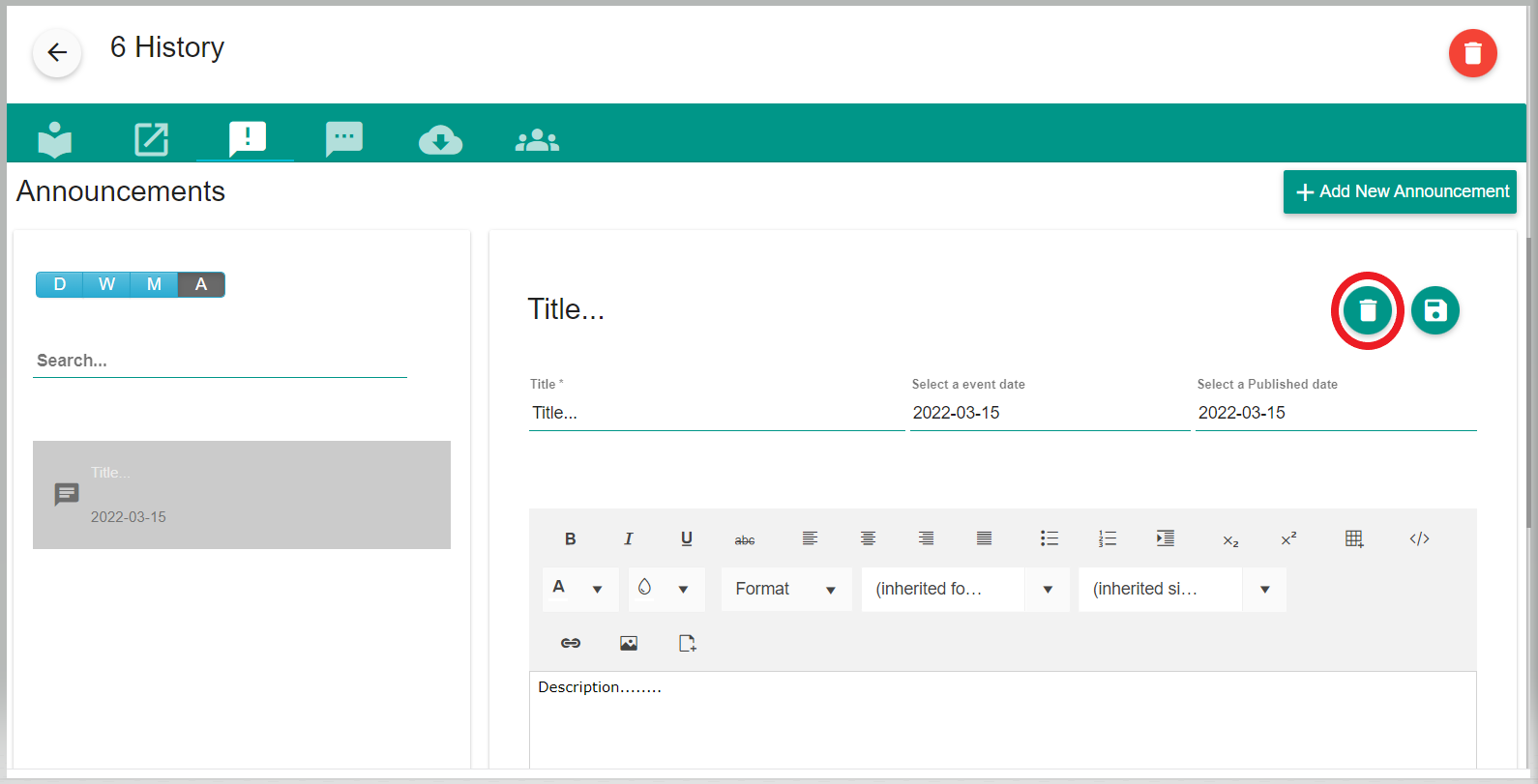
- Teachers can delete the announcement by clicking the delete button.
Comments
0 comments
Please sign in to leave a comment.