
- You will select the course to add or remove students. In the course, You will see the 'Members' tab.
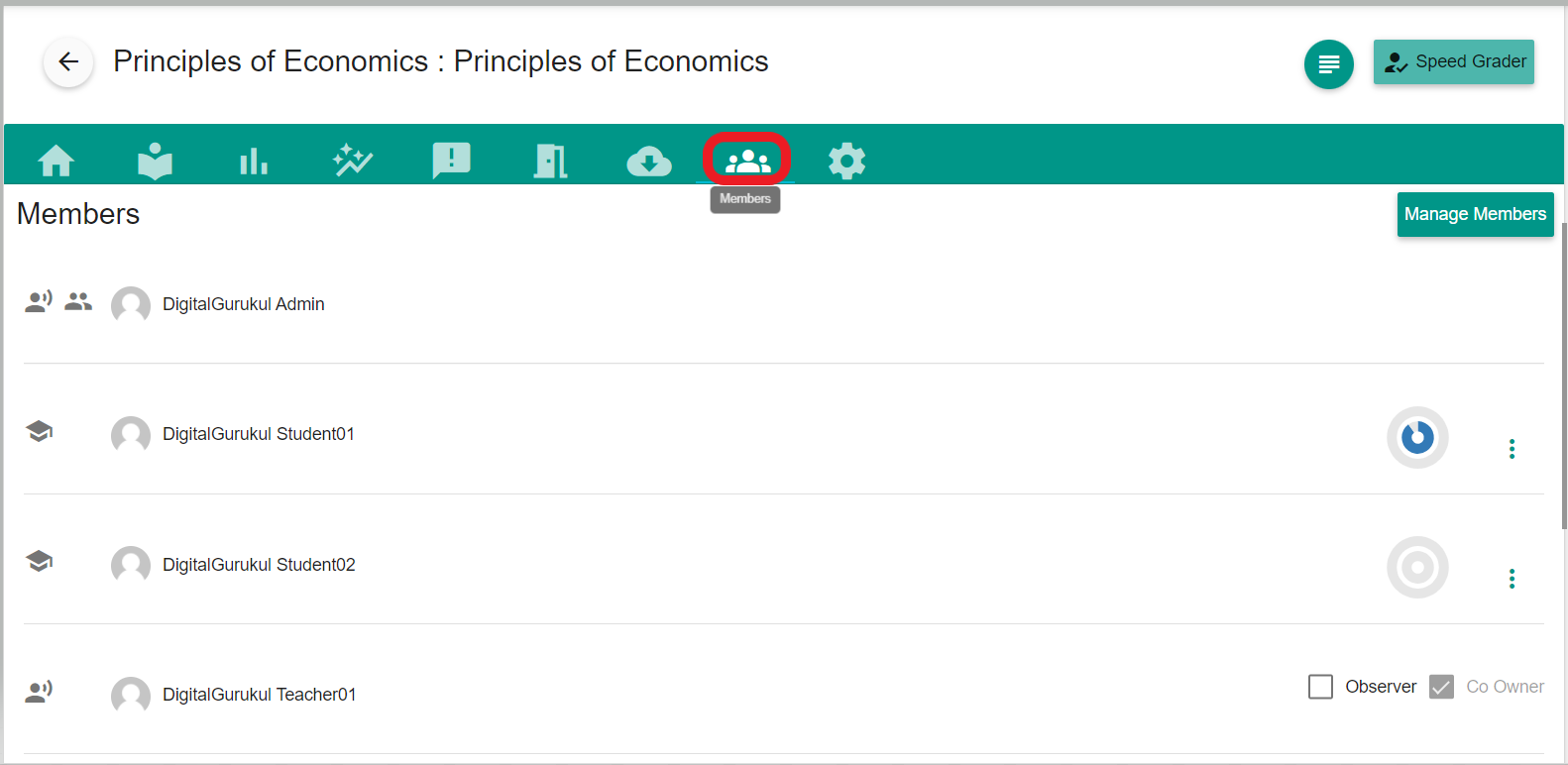
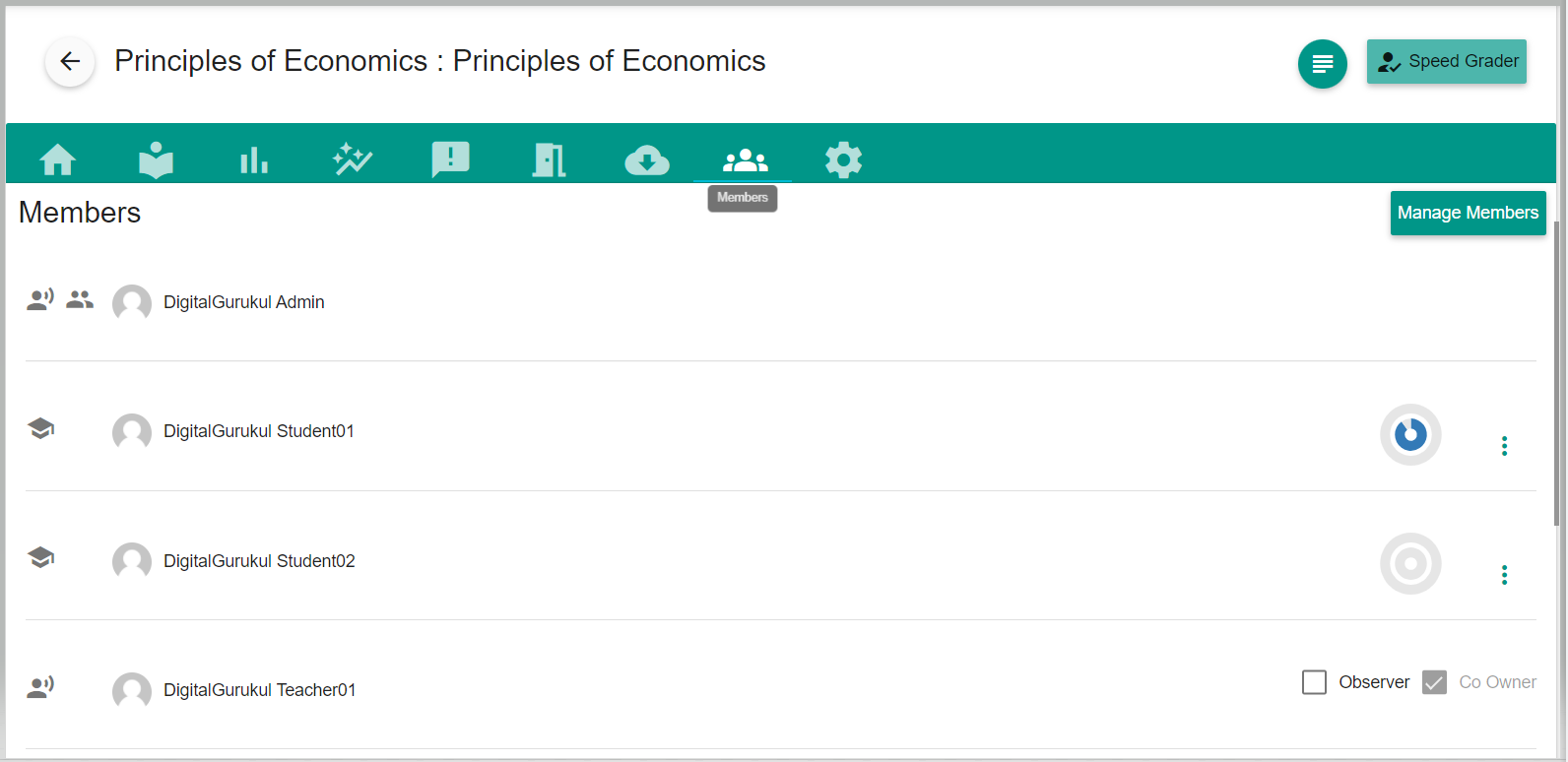
- 'Members' tab will show the list of students that are already in the course.
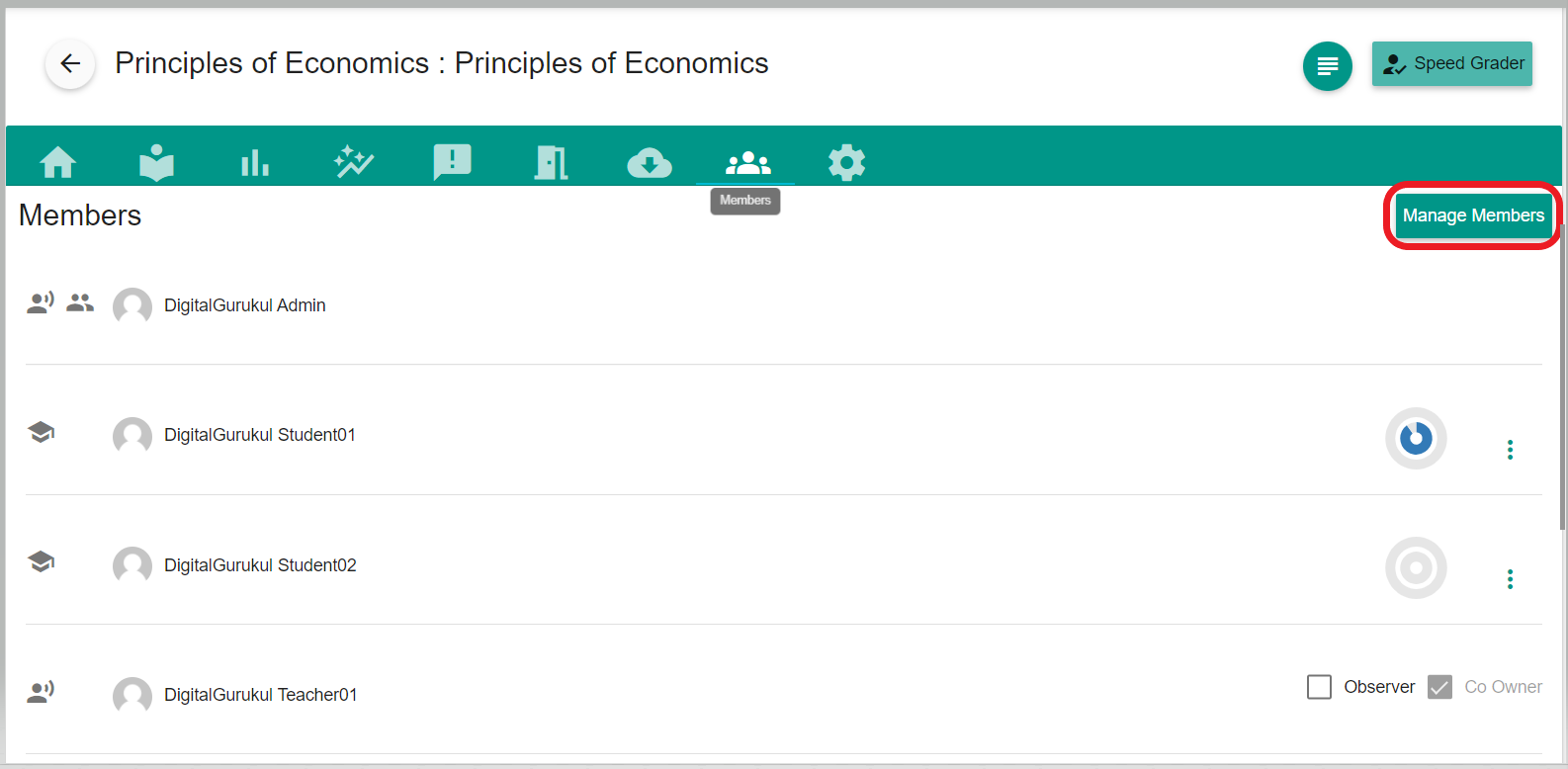
- To manage Members, you may have to select 'Manage Members'.
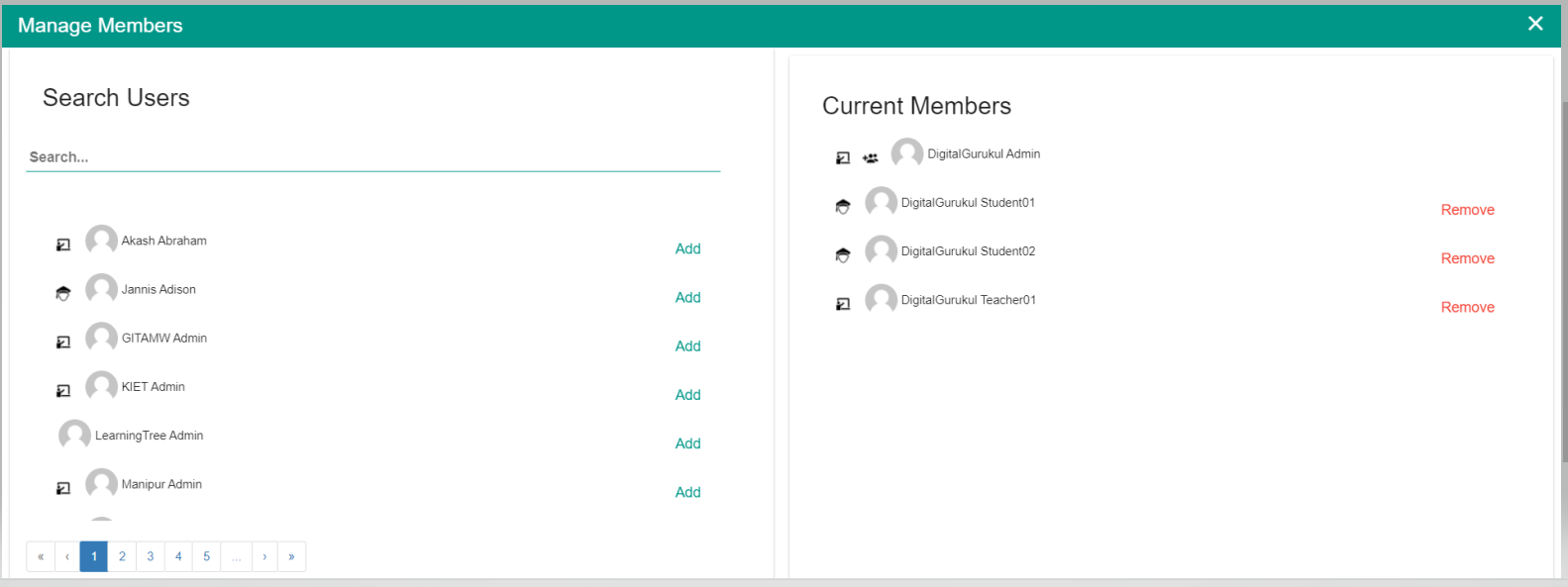
- The right side of the list shows the Current members or students of this course. You can click the "Remove" button to remove a student from the course.
- Using the left side of the page on the Manage Members tab, you can search the students and add them to the course.
Comments
0 comments
Please sign in to leave a comment.