
- To, download Bulk Students Performance Reports, select the ‘Downloads’ tab on the left side of the page.
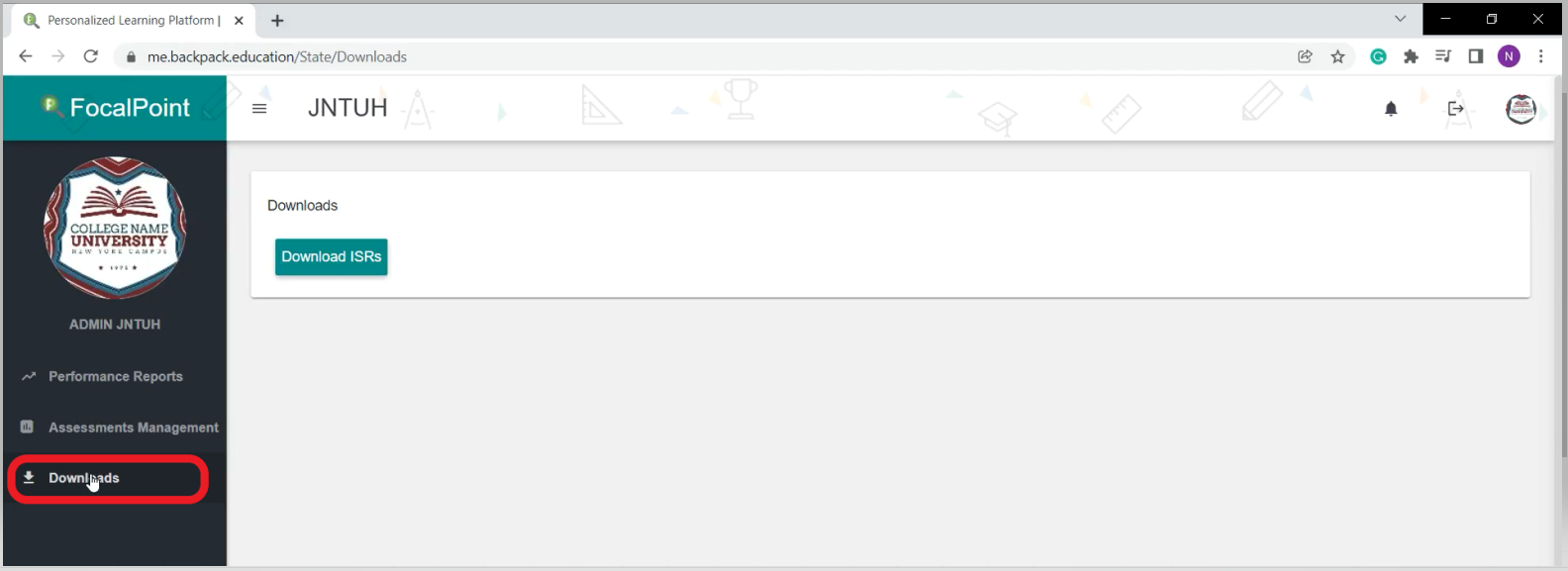
- Click on the 'Download ISRs' tab to download bulk certificates of Students such as year wise or department wise or all the whole certificates based on your requirement.
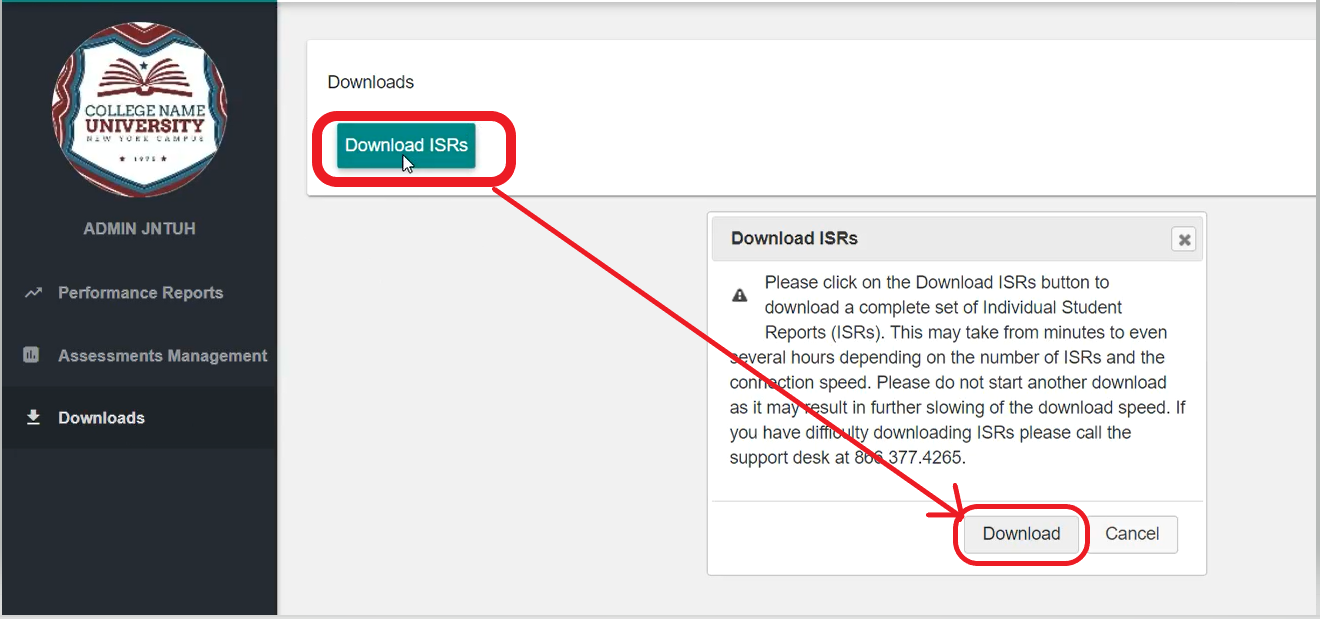
- Once you click on the 'Download ISRs' tab, you will be able to see the Download tab again on the pop-up page you have to click on it as shown below.
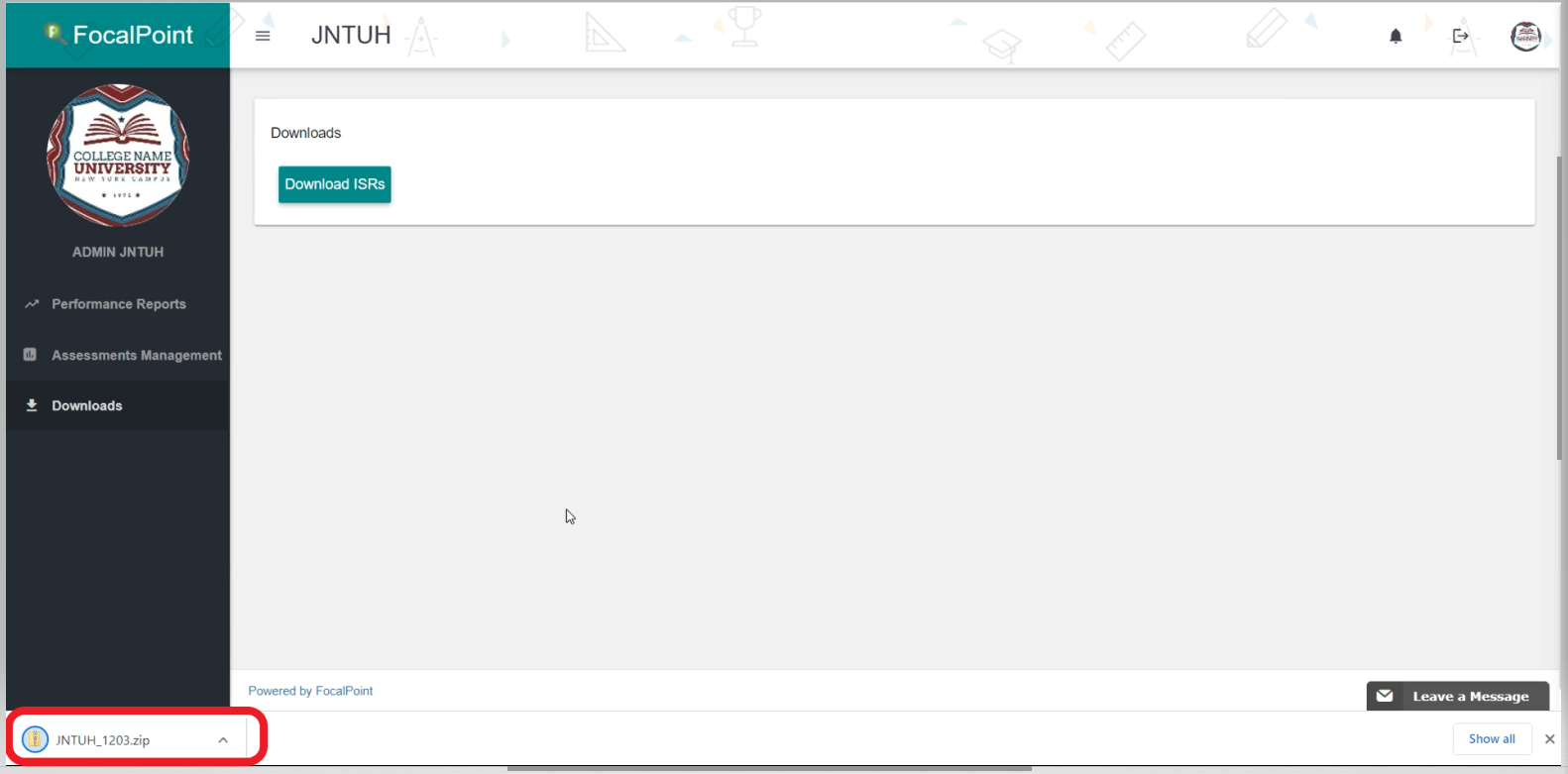
- Once, you click on the Download tab you will be able to see the Zip Folder downloading, which consists of all the certificates that you have selected.
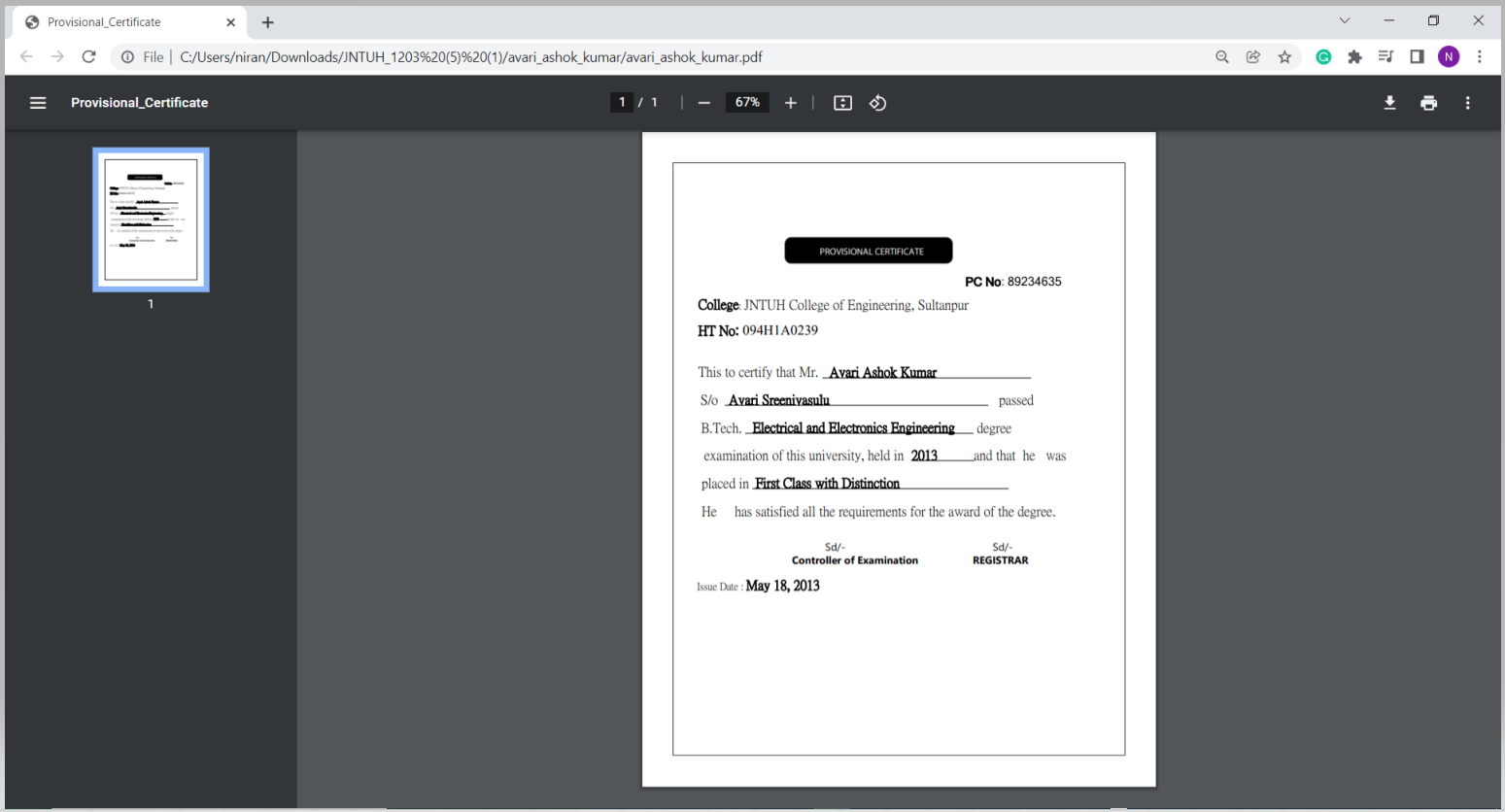
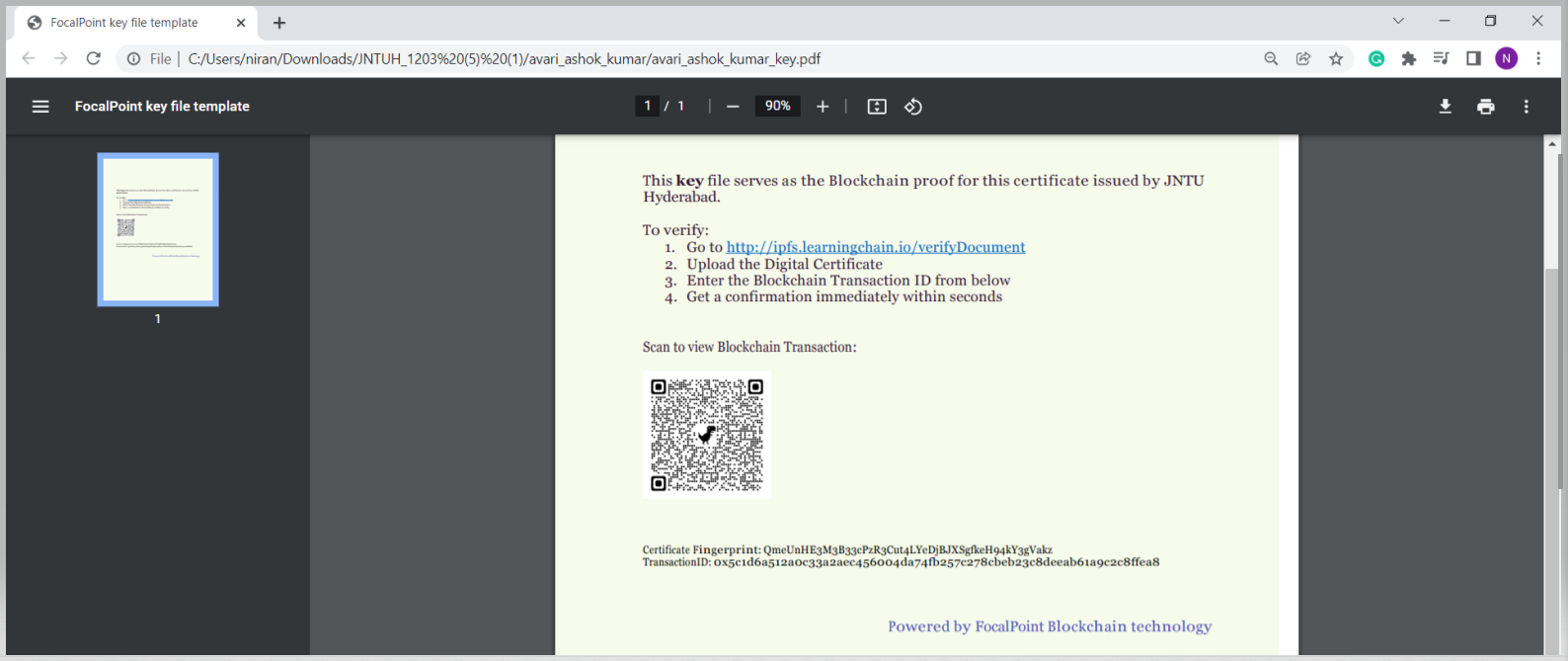
- Once you open the Zip Folder you will be able to see the 2 Certificate files for each Student i.e one is a digital certificate file and the other is the key file that has the blockchain transaction details along with QR Code.
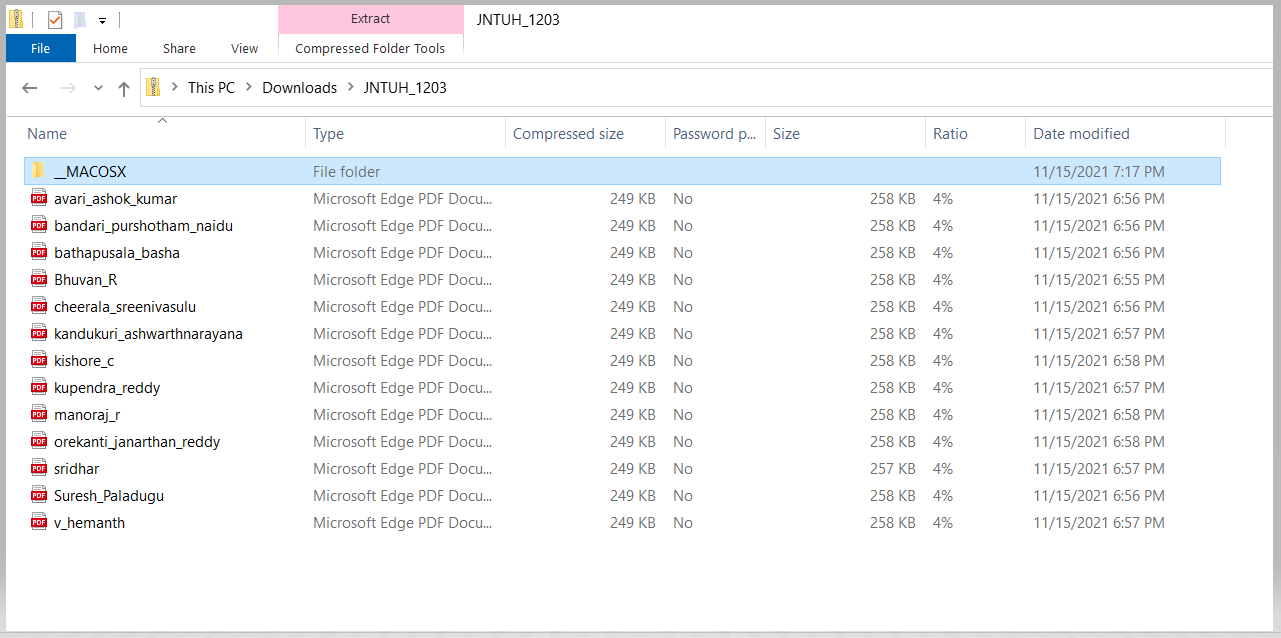
- Just click on the file to open and view it.
Comments
0 comments
Please sign in to leave a comment.