
- Select the course to which the course content should be loaded.
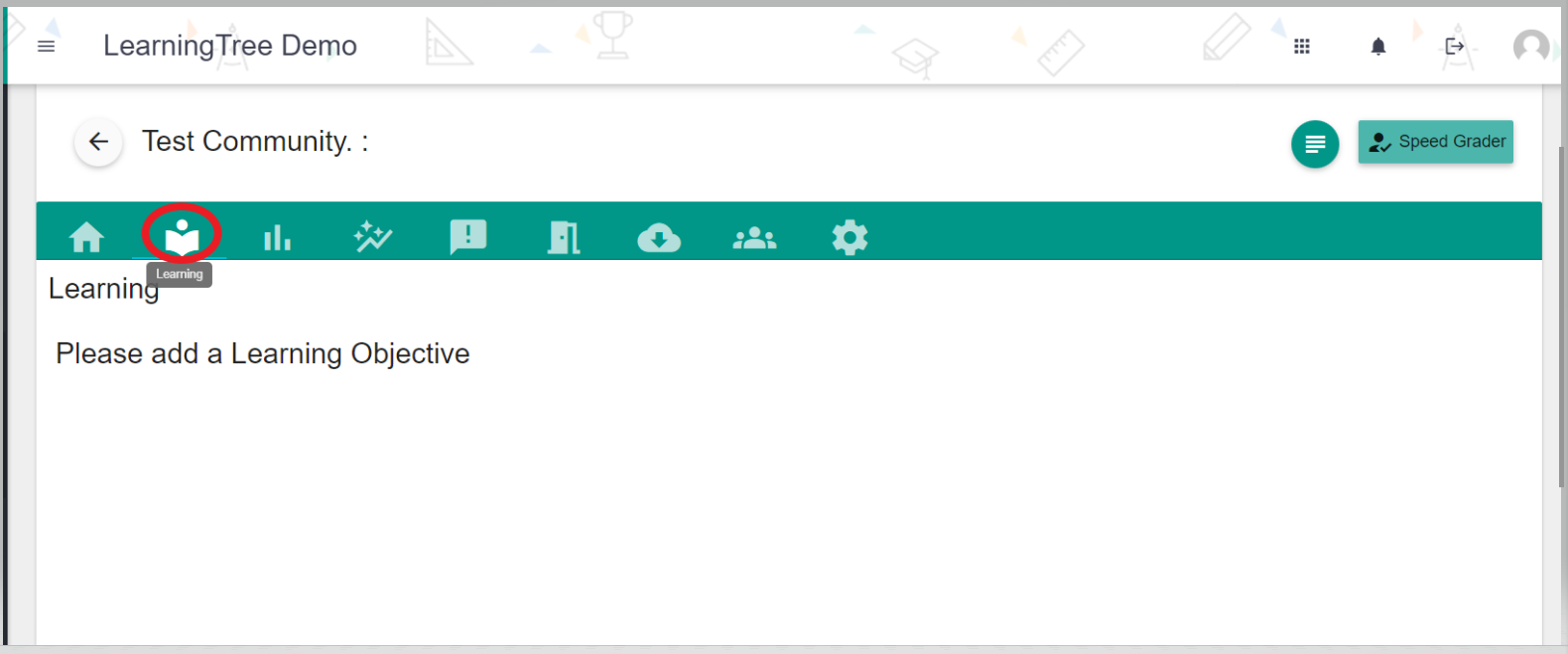
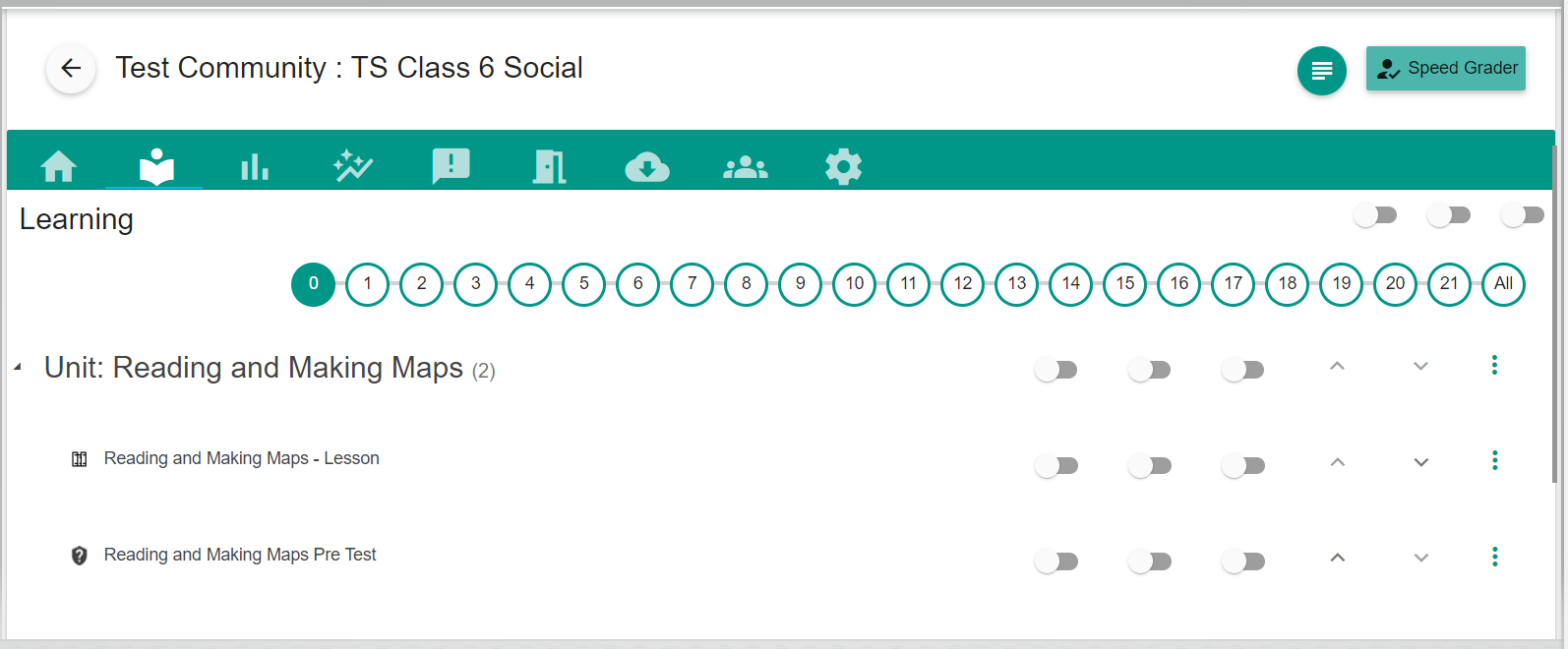
- Click the "Learning" tab from the above-listed tabs.
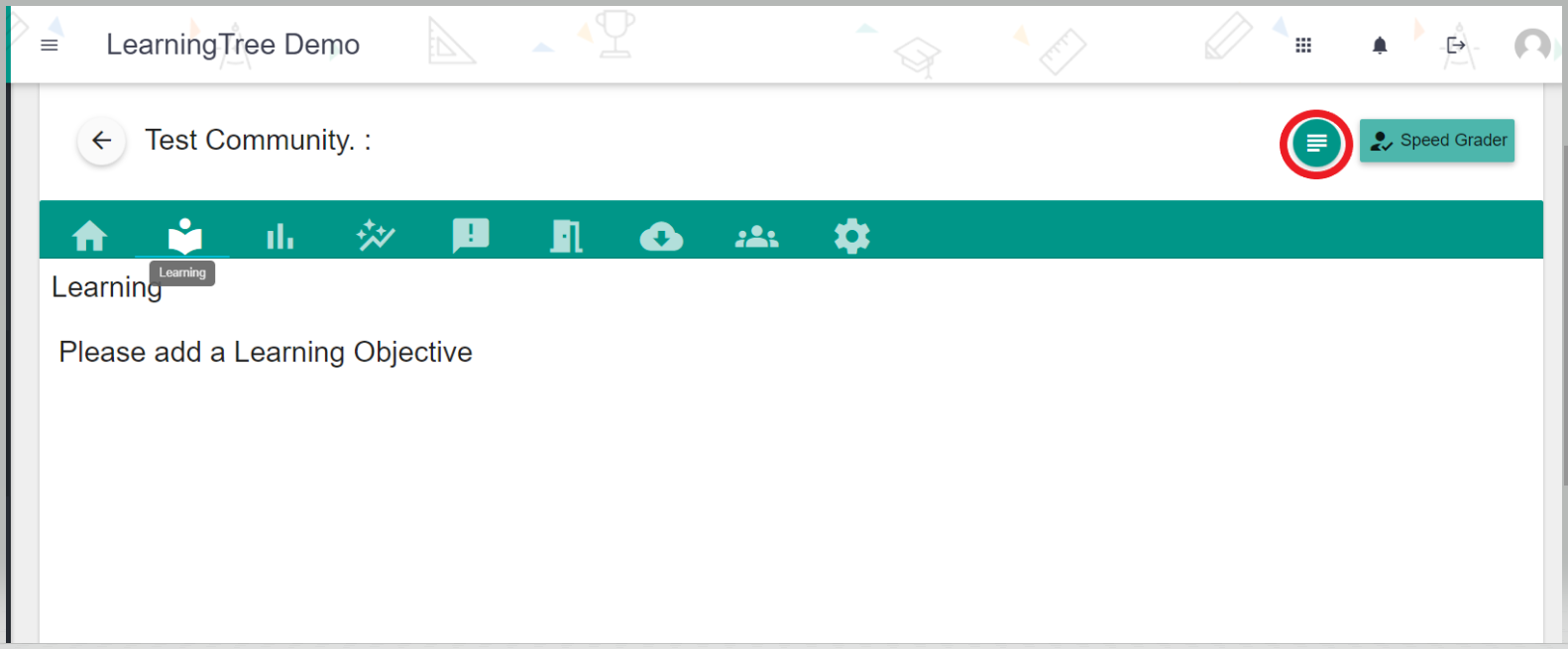
- Click the green little icon where you can search for the learning content that you want to add to this course.
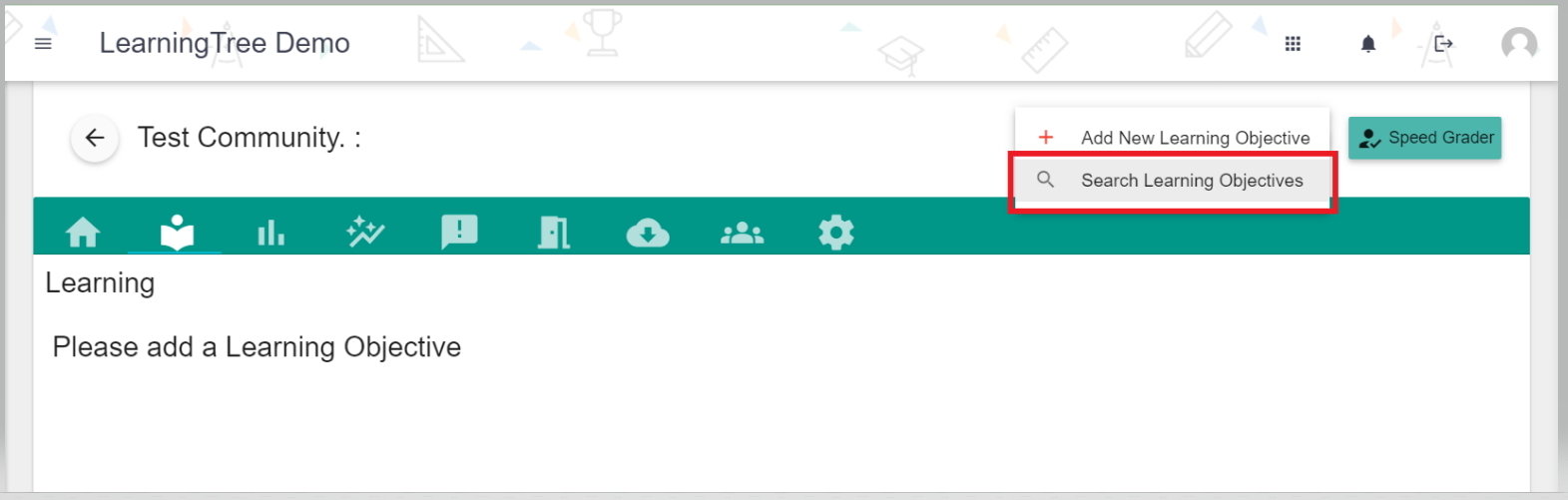
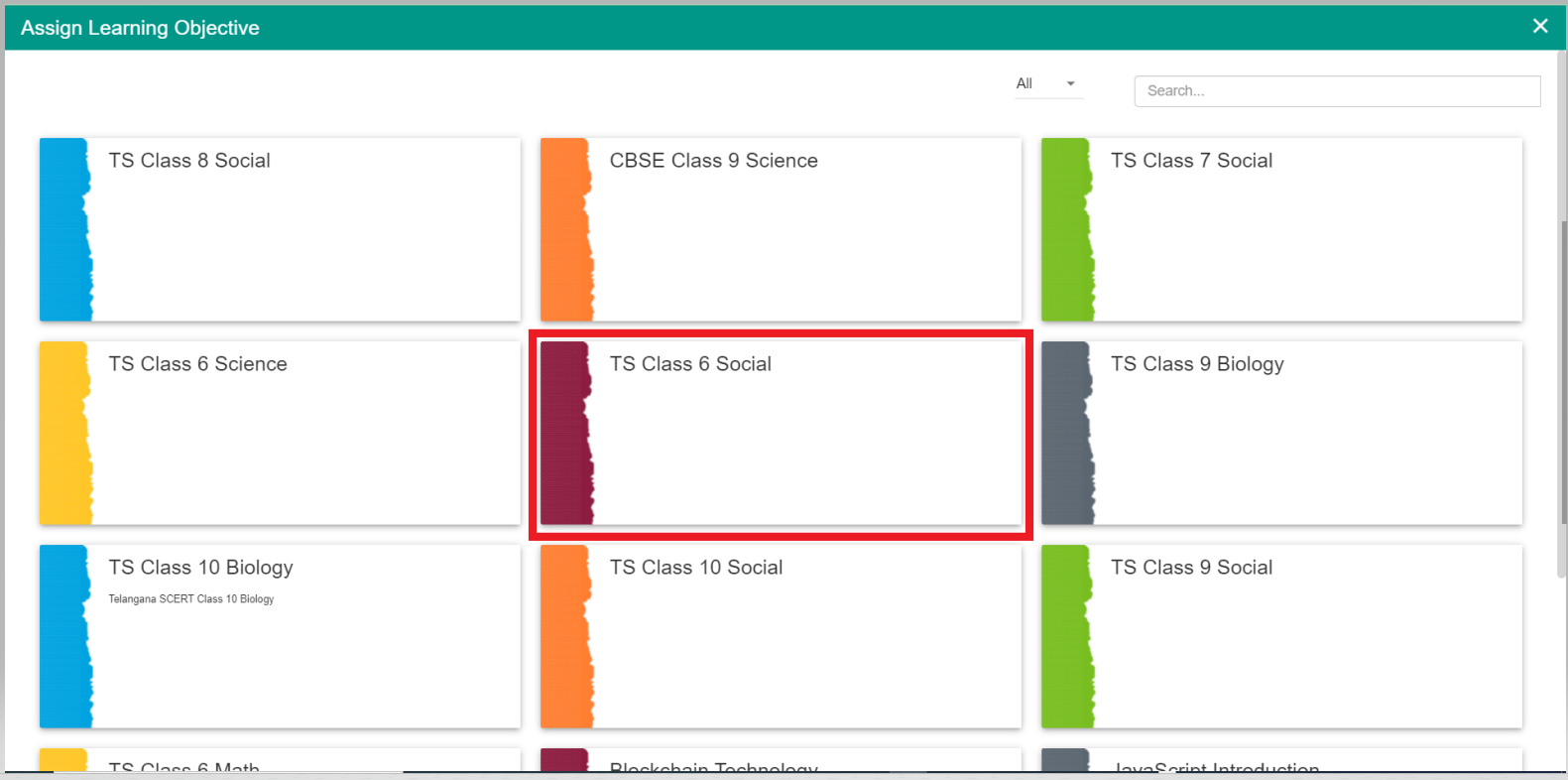
- You would now see the loaded list of courses that are tagged to this user.
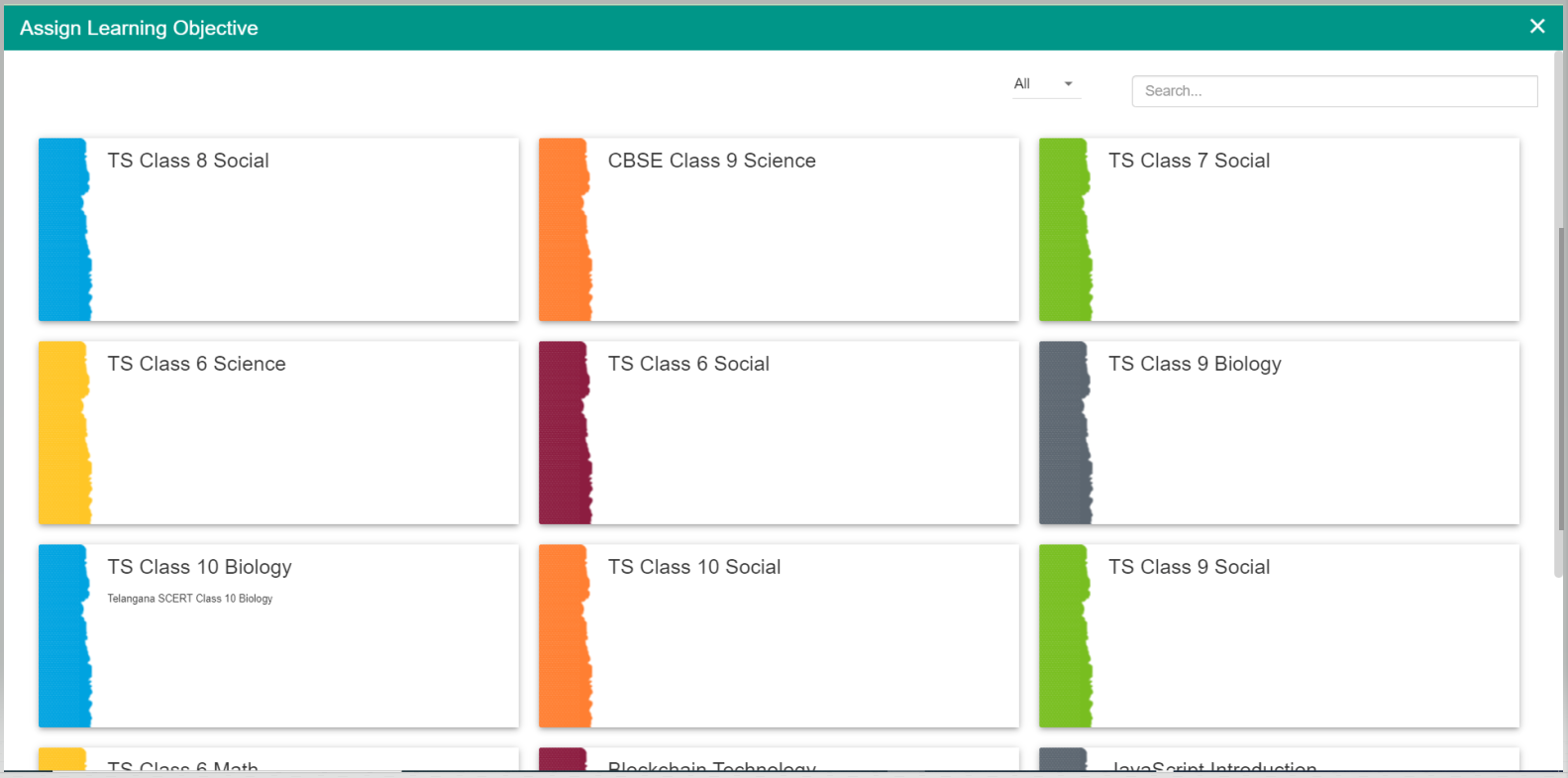
- Just select and click one course and that course will be automatically added to your Virtual Community.
Comments
0 comments
Please sign in to leave a comment.