
- To access the courses assigned to you, select the ‘Learning Tree’ tab on the left side of the page. Now, you can able to see all the courses assigned to you as shown below.
- Click on the title of the course that you want to view.

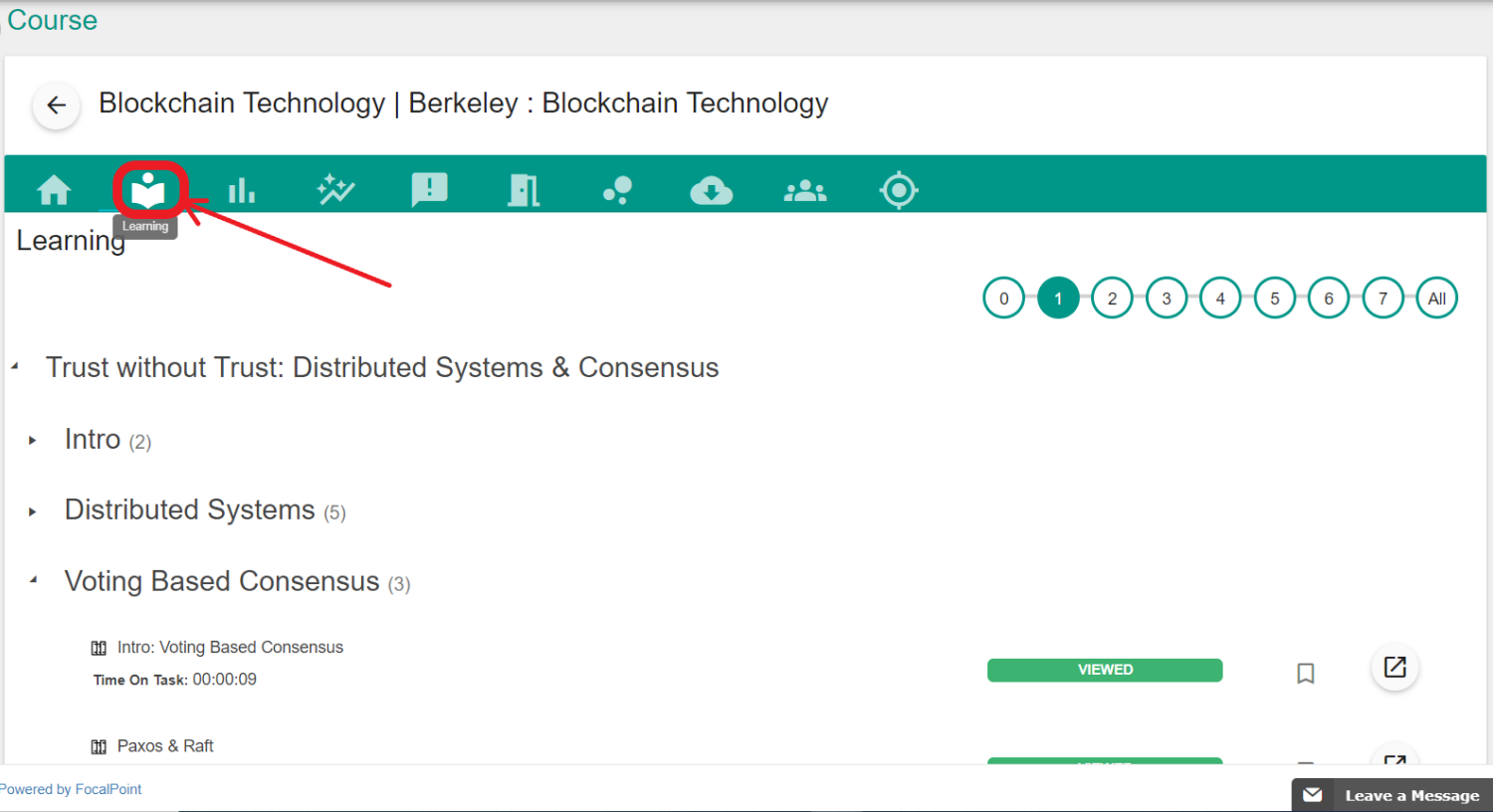
- Once you have clicked on the title name of the course, you have to select the 'Learning Tab' to view the course content.
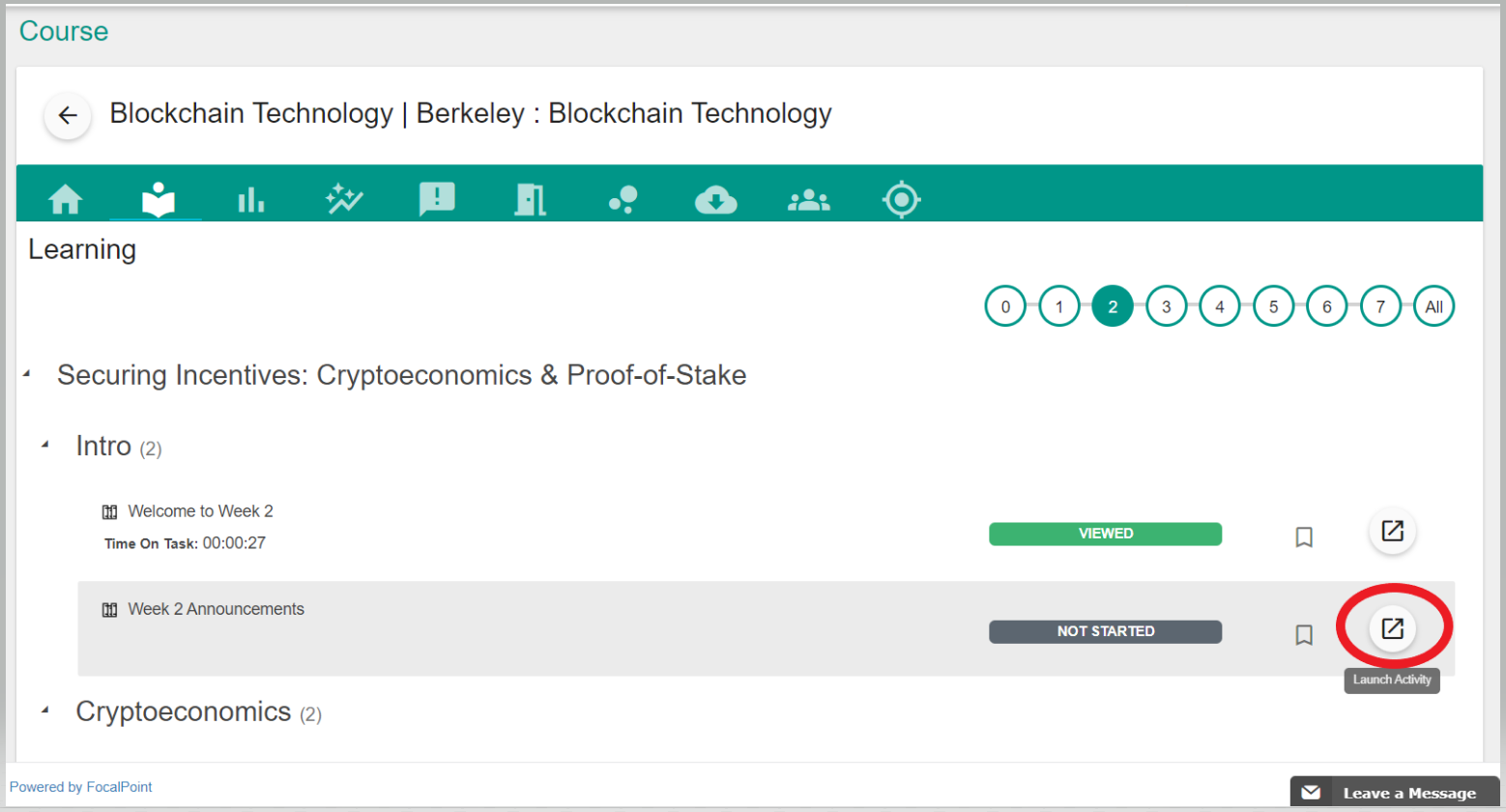
- To launch any activity, click on the Launch Activity Tab as shown below.
Comments
0 comments
Please sign in to leave a comment.