
Course Designer is permission that can be given to admin and educators on an individual basis. If turned on, users can create courses here that can be used in all communities throughout the tenant. When users add Learning Objectives (courses/sections) to a community, published course designer courses will be accessible. We recommend restricting this permission to specific users to keep the course list clean.
-
Tip: Without this permission, users can create communities within their LearningTree tab that will not be shared across the tenant.
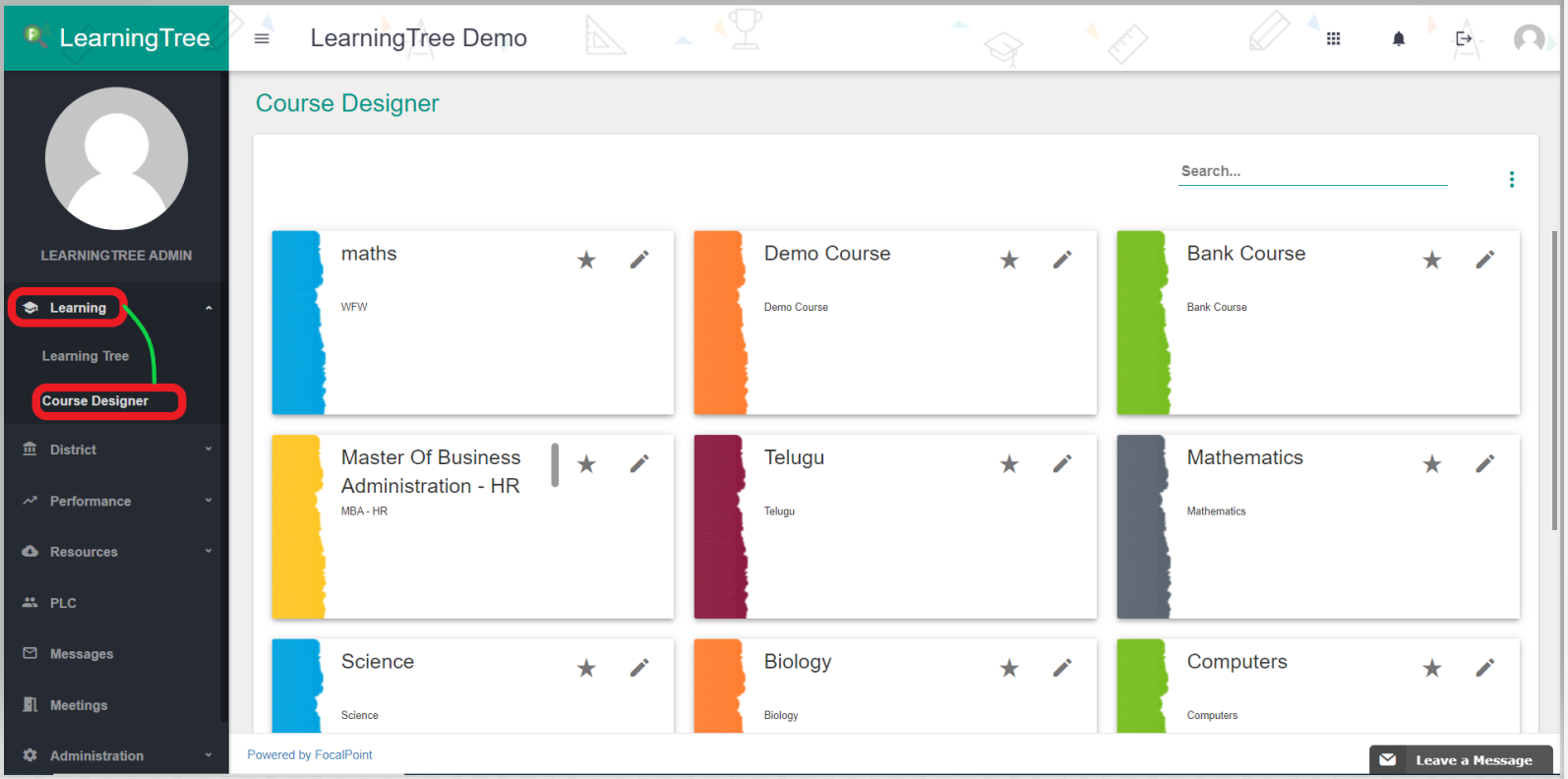
Course Designer Permission:
By default, only the district admin will have access to Course Designer. For school admin and educators, this is permission that can be given at the profile level. District and school admin can turn this permission on in the Provisioning tab.
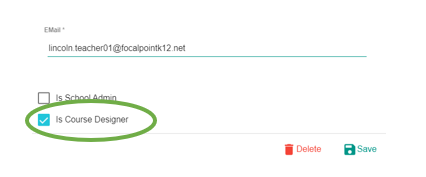
Once you find the educator you’d like to update, click the pencil icon. Here, you can check on ‘Is Course Designer’ and save.
Comments
0 comments
Please sign in to leave a comment.