
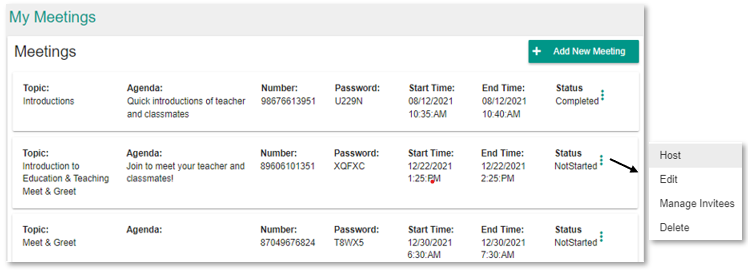
In the Meetings tab, you’ll see a complete list of all future and completed meetings throughout your communities. You can host, edit, and pull a meeting report from here by clicking the 3-dot menu icon next to the meeting details.
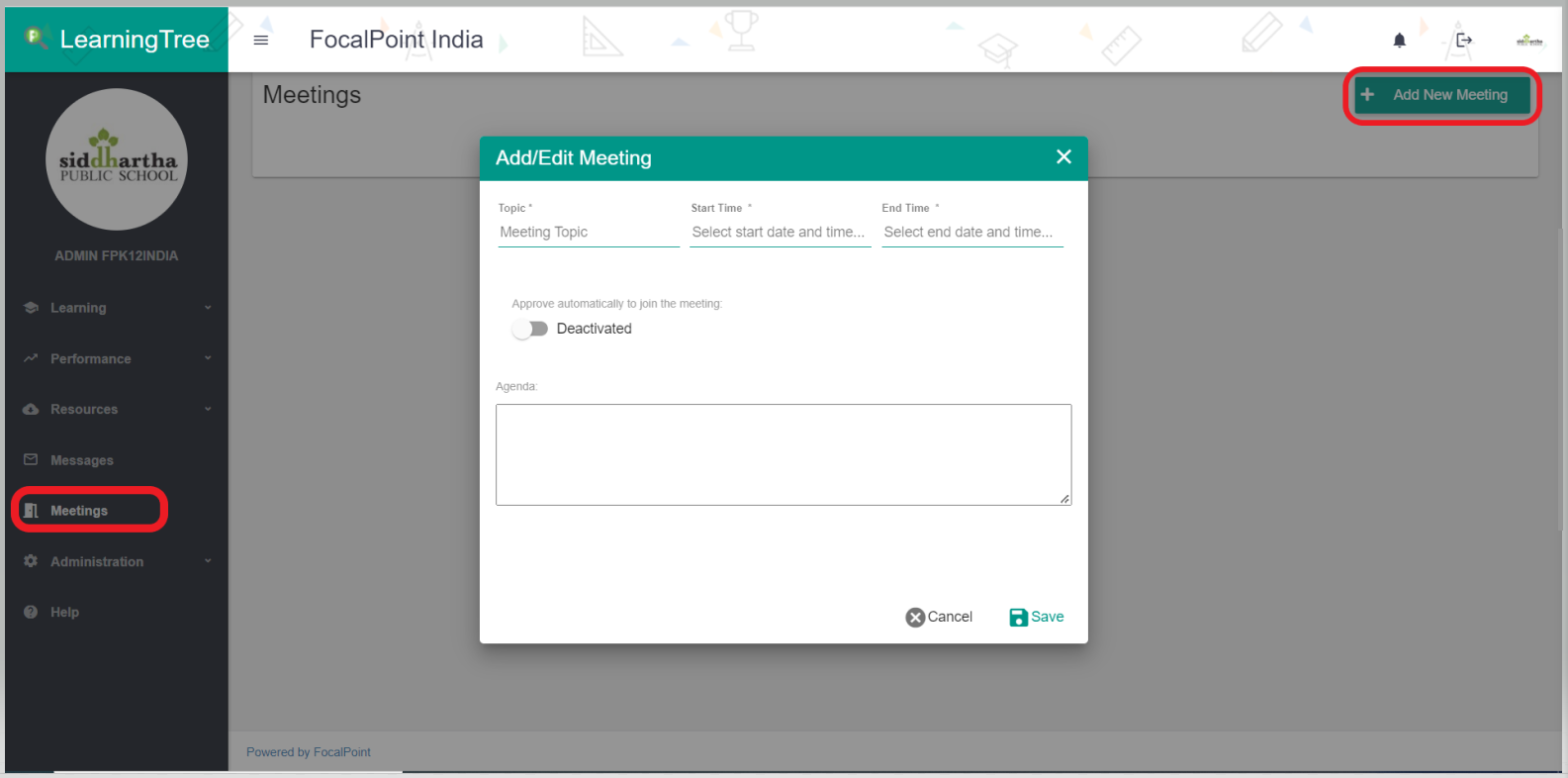
You can also add meetings here by clicking on ‘Add New Meeting’ on the upper-righthand side. Once you have provided meeting details and saved them, click on the 3-dot menu icon next to the meeting to Manage Invitees. Here, you can add users throughout all communities.
Comments
0 comments
Please sign in to leave a comment.