
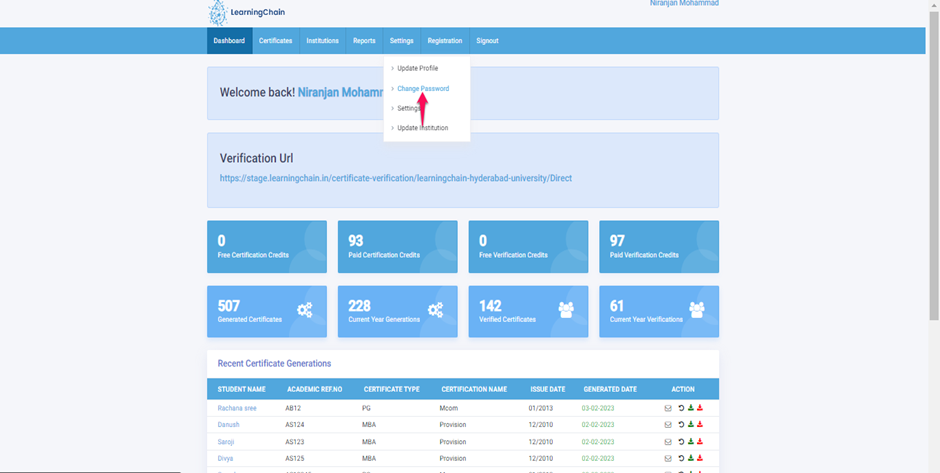
- To Edit/Change my password, Click on Settings Module and then click on Change Password.
- On the next page, Enter the Current Password, New Password, and Re-enter Password.
- Note: Password must contain up to 10 characters, 1 upper case letter, and 1 special character.
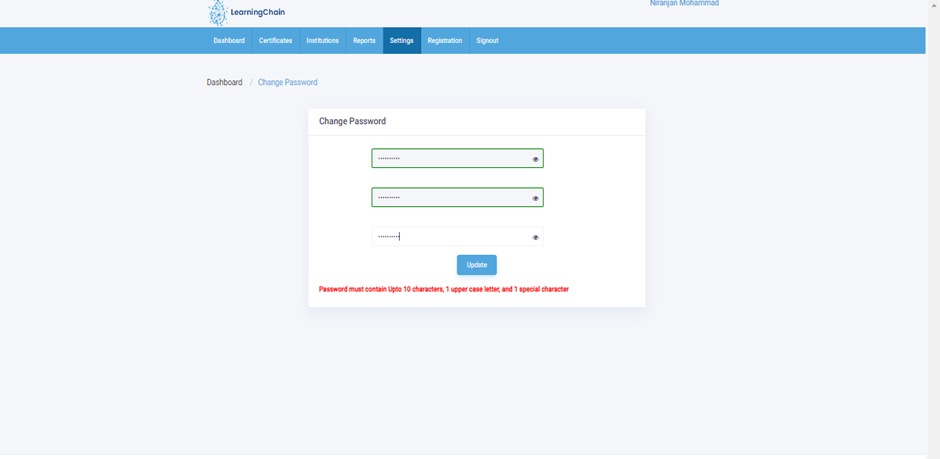
- After changing the password, click on the Submit button. So that Password will be updated and also will get a successful message.
Comments
0 comments
Please sign in to leave a comment.