
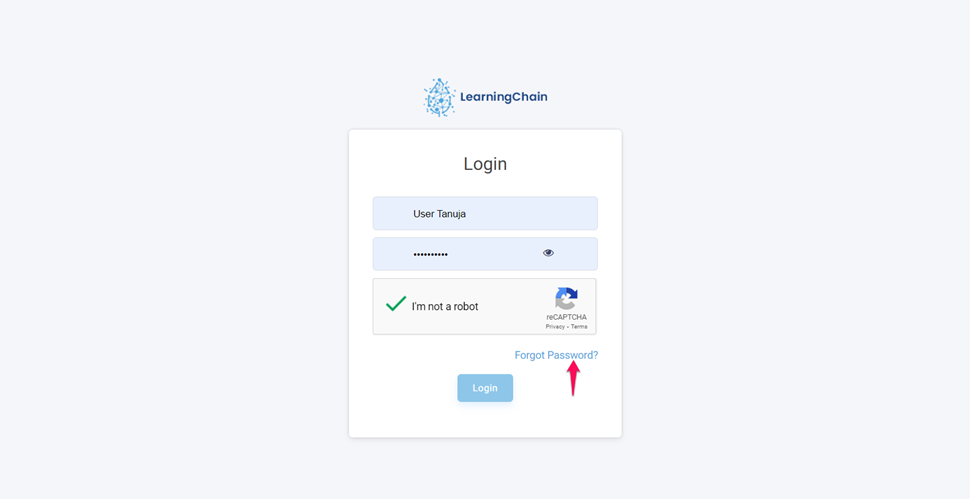
- To reset the password, click on Forget password option on the login page.
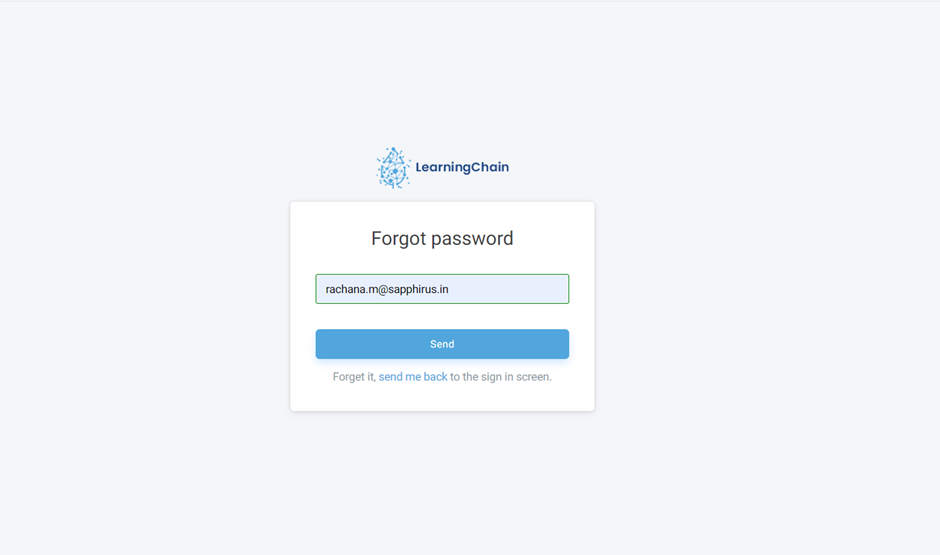
- After clicking on Forget password, enter the genuine email id and click on Send
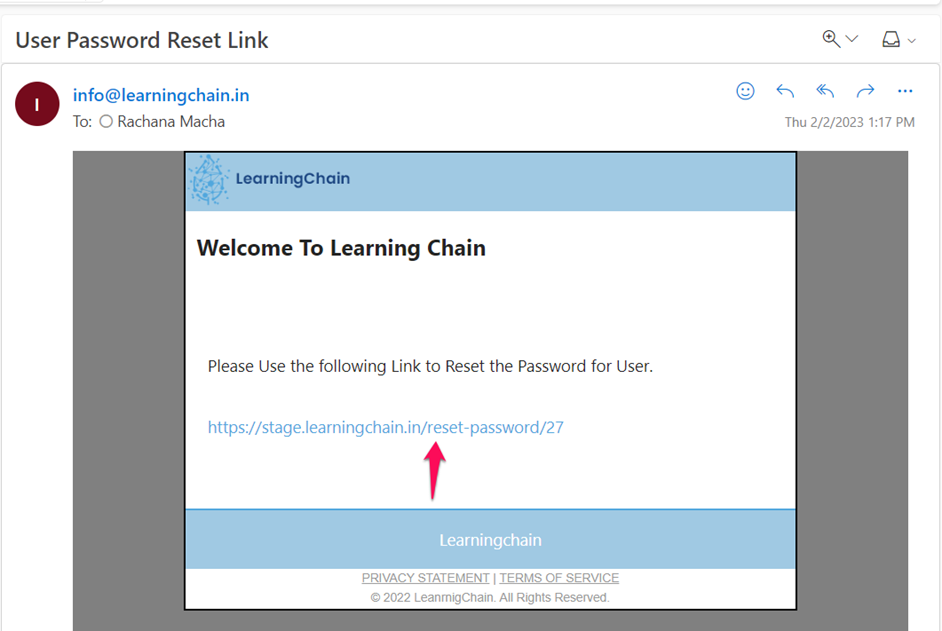
- Now you will receive a password reset link in the mail, click on that link.
- Now enter the new password and re-enter the new password.
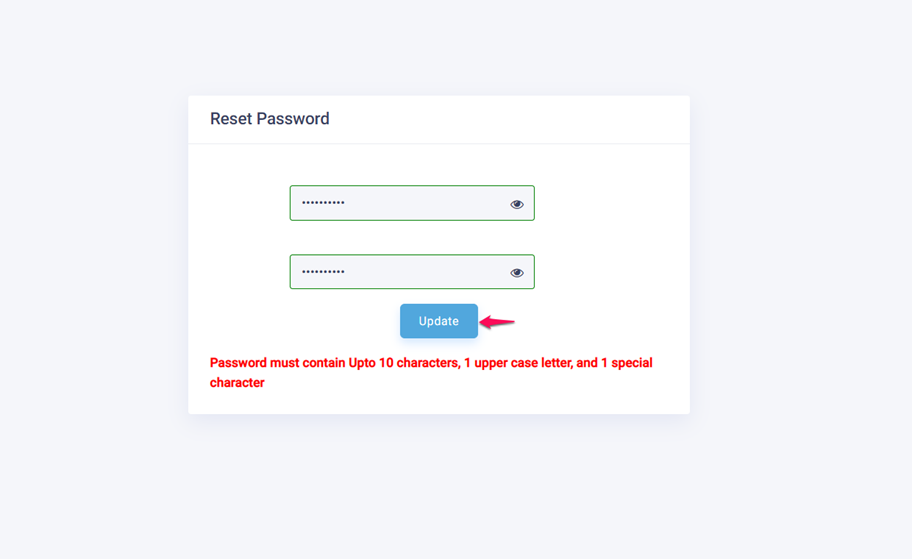
Note: Password must contain Up to 10 characters, 1 upper case letter, and 1 special character
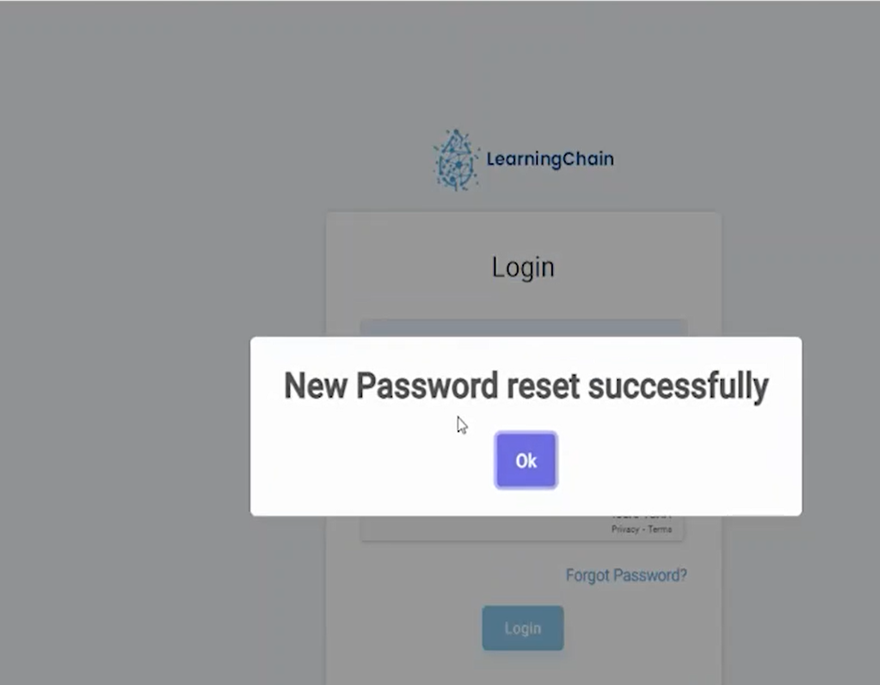
- After entering the new password click on the update button so that password will be updated and will show a Successful message.
Comments
0 comments
Please sign in to leave a comment.