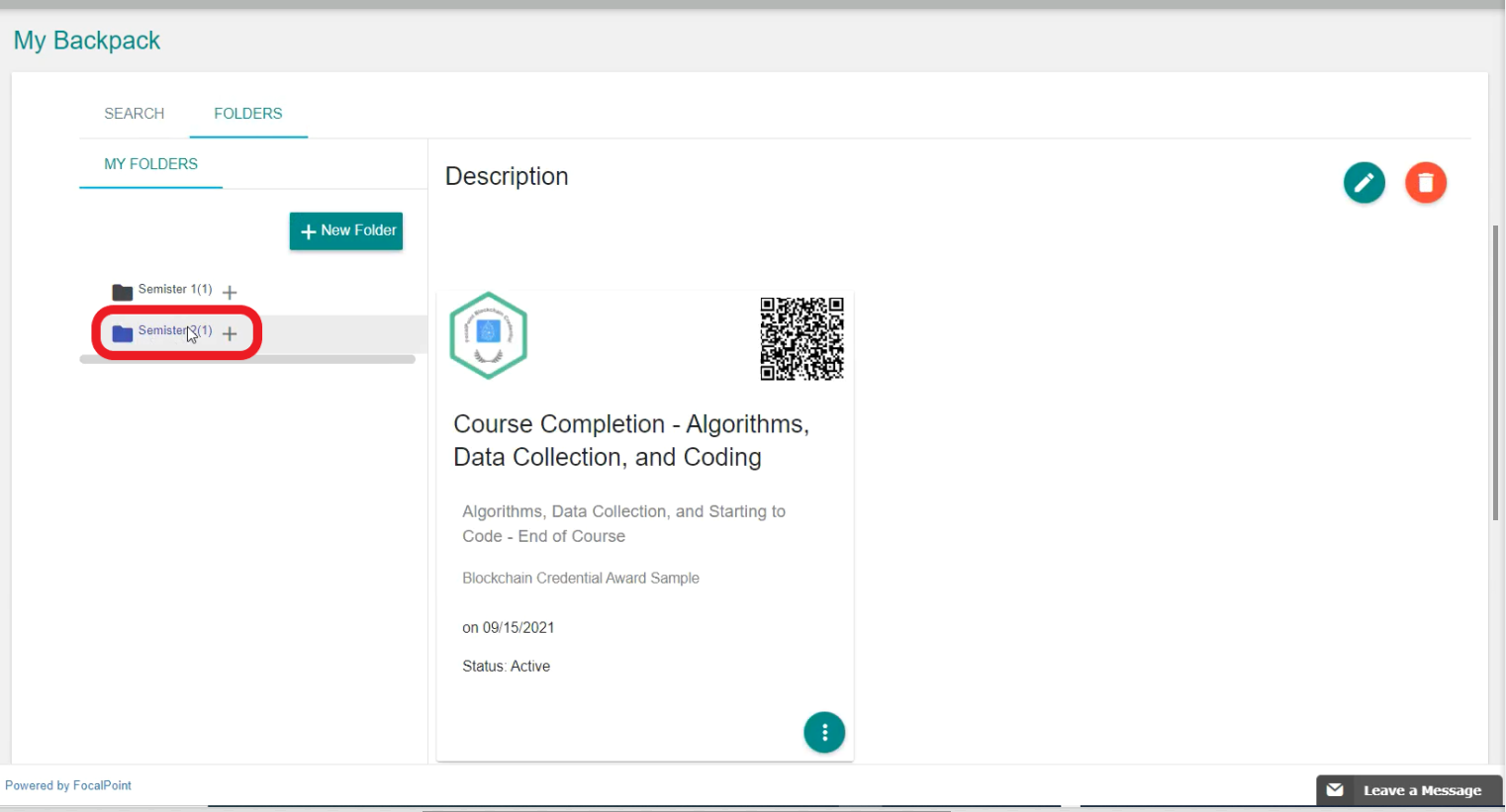
How do I View the Certificate in the Folders Support 03 February 2022 11:45 Updated Select the Backpack Tab on the left side of the page. Select ‘Folders’. Click on the ‘Folder Name’ that you want to view the certificates. You will see the certificates inside the folder as shown below. Comments 0 comments Please sign in to leave a comment.

Comments
0 comments
Please sign in to leave a comment.