
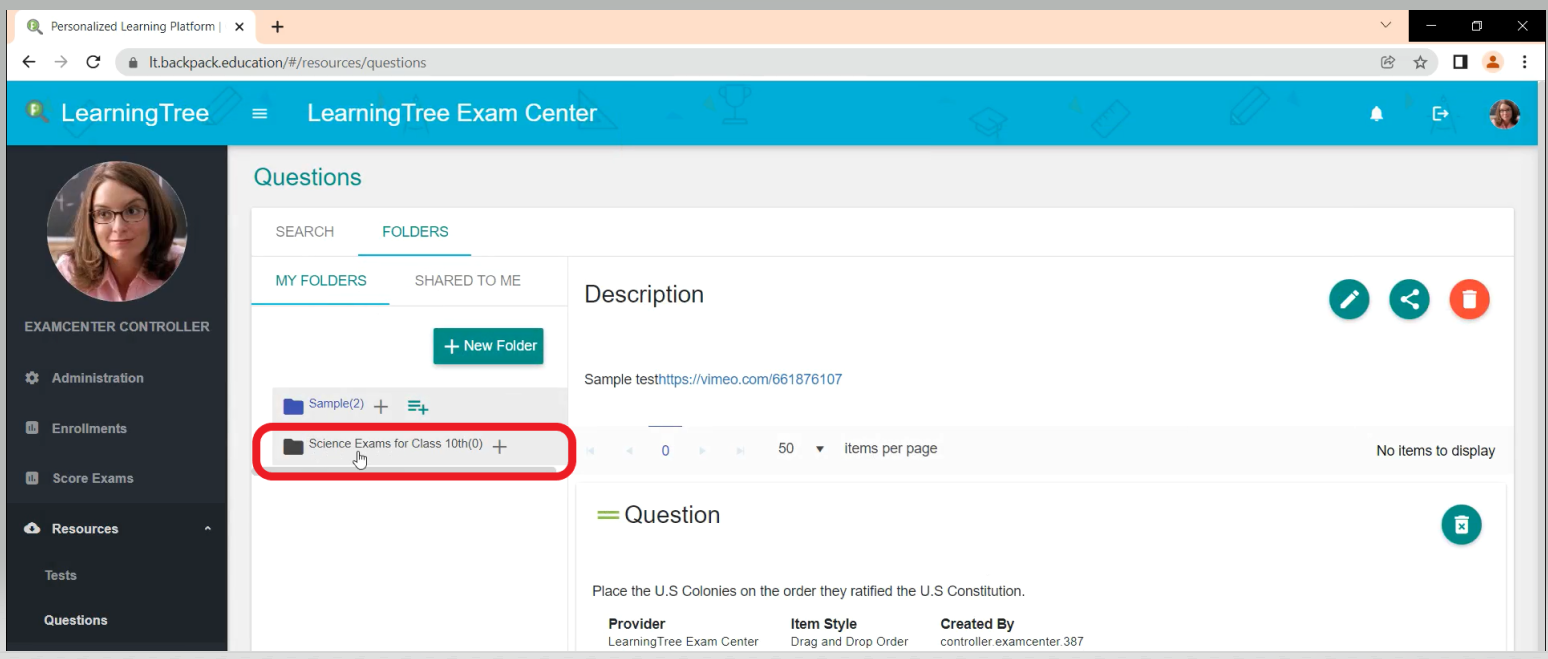
- Select the Resources Tab on the left side of the page. Select ‘Questions’
- Select ‘Folders’.
- Select ‘+ New Folder’.
- Complete the information requested in the ‘Add/Edit Folder’ box that appears. When done, click ‘Save Changes’.
- You will see your new folder as shown below.
Comments
0 comments
Please sign in to leave a comment.